Publicly positioned around multimodal inputs such as text and images rather than a single video path
BestVidSeedance 2.0
A newer-generation Seedance route that focuses on the model direction and the actual availability boundary inside BestVid today.
This page does not pretend Seedance 2.0 is already fully open everywhere. The truthful framing is that BestVid has already published the model introduction page and preset entry, while actual generation availability is still rolling out. The page therefore explains both the public model direction and what users can actually see in the product now.
Model overview
What Seedance 2.0 is and why this page separates capability from availability
Seedance 2.0 works more like a next-generation Seedance capability page. In public materials, it is framed around multimodal input, native audio-video output, camera expression, and stronger subject consistency, which makes it more than a minor point update.
Seedance 2.0
Seedance 2.0 is the next-generation Seedance model page that is already public in BestVid. In public materials, it is positioned around multimodal inputs such as text and images, native audio-video output, stronger camera control, and better subject consistency. Inside BestVid today, the route is already live, while actual generation availability is still being released in stages.
Workflow
Text to video
Default output
8s · 16:9 · 1080p
Best for
Ad teams evaluating a next default modelBrand-video workflow planningModel evaluation and stack planning
01
But a launchable page cannot stop at capability claims alone. It also has to explain what is actually available in the product today, because public model direction and live generation access are not the same thing.
02
That is why this page uses two layers of framing. One layer explains the model direction and why Seedance 2.0 is worth watching. The second layer explains the current product state: the route and preset are public, while generation access is still opening in stages.
03
This is a better fit for a real product page. It does not turn future capability into a false “fully available now” promise, while still helping users understand the model position, preset, and likely use cases ahead of wider release.
Seedance 2.0Multimodal videoRolling out
Still centered on native audio-video output, camera language, and subject consistency
The BestVid route and preset are public today, while real generation access is still rolling out
Most useful for users who specifically want to understand the next Seedance capability direction before broader access opens
Usage Guide
Best Practices for Seedance 2.0
Leverage Seedance 2.0 motion-stability advantages to create high-quality dynamic content.
Usage guide
Section 1
Prompt Tips: Describe Motion Trajectories
Seedance 2.0 is particularly responsive to motion-trajectory descriptions. Instead of just "person running," describe "running from left to right at medium pace, arms swinging naturally, even stride length." Include speed descriptors (slow, steady, accelerating), direction changes, and body-posture detail for more physically accurate motion. Also specify ground contact—hard floor vs sand—as it affects gait generation.
When to apply
Apply this when working with Seedance 2.0 to reduce trial-and-error and reach a publishable result faster.
Next step
Continue to the next section: Strengths and Limitations
Core capabilities
Based on public materials, these are the four Seedance 2.0 signals worth watching
This section focuses on capability direction and keeps that separate from current product availability.
Video generation capabilities
Current focus
Multimodal inputs
Public materials frame Seedance 2.0 around a fuller multimodal path where text and image inputs are part of the same broader system.
Text input
Image input
A fuller drafting path
What this solves
This is designed to clarify how to start, what to control, and how to move the first draft closer to a usable direction.
Why this layout works
Most visitors want the practical answer first: input type, capability boundary, and whether the page fits the task they actually need to ship.
What users actually see when they land on this page today
This section describes the current public page, not an imagined future workflow.
01
The hero generator opens with a Seedance 2.0 preset selected
02
The page explains the model direction first instead of pretending every capability is already callable
That keeps the page live and honest at the same time.
03
Text-first drafting is the current default while image input is explained in the capability layer
That keeps the page clear: the default entry is text-first, but the public model direction is not limited to text-only input.
04
Users can understand the model position now and adopt it more fully when access opens further
That matters in real products because many users research a model first and only later decide when to switch into it.
bestvid.net/generate

Who should pay attention to the Seedance 2.0 page first
This page is not for everyone to generate from immediately. It serves narrower, higher-intent search needs first.
Ad and brand-video teams are likely to care early because they usually pay closer attention to camera language, consistency, and fuller audio-video expression rather than only raw generation speed.
Model evaluators and workflow designers also have a clear reason to pay attention. Seedance 2.0 looks more like a next-generation capability signal, which makes it useful to understand how it may eventually sit alongside 1.5 Pro and 1 Pro Fast.
For users already working in the Seedance family, the page has practical value too. It helps them judge when a future switch from the current default model might actually be worth it.
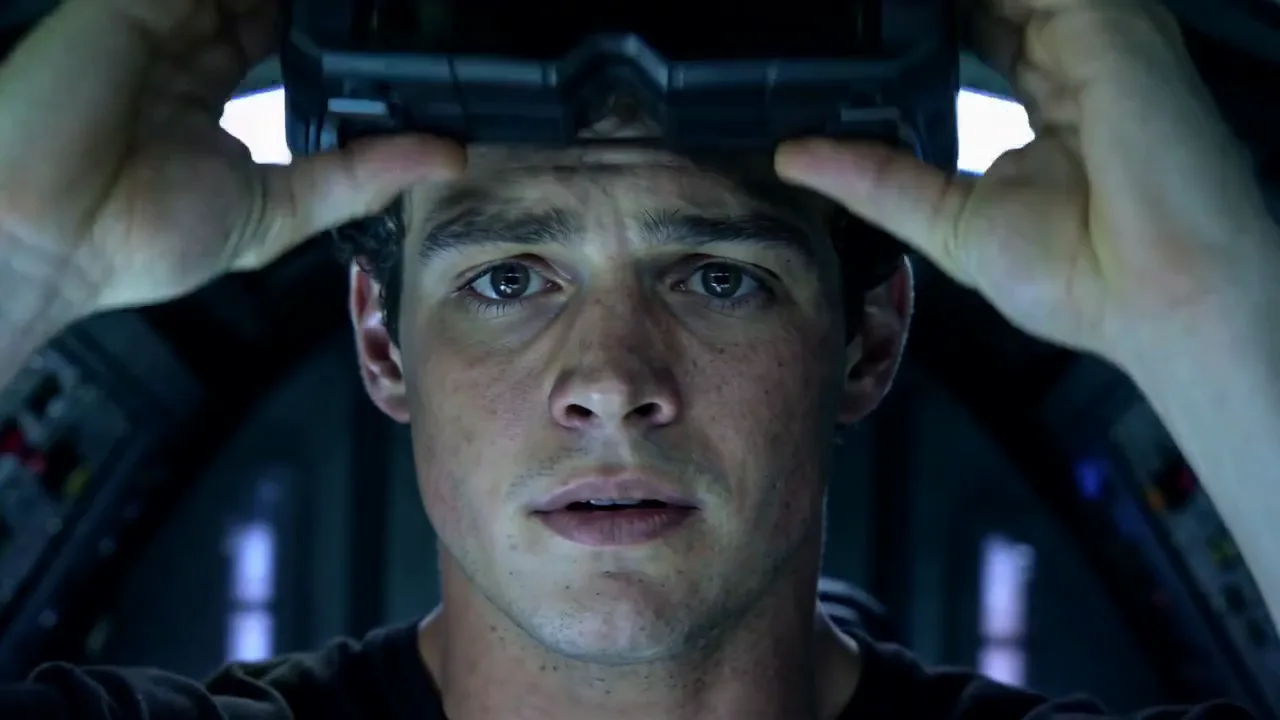
HOT 🔥
Ad teams evaluating a next default model
Useful for judging whether the next Seedance generation deserves a future role in ad and brand-video workflows.
8.4k USESUse Template

NEW
Brand-video workflow planning
Helpful when planning how multimodal input and audio-video generation might change an existing workflow.
1.2k USESUse Template

NEW
Model evaluation and stack planning
Relevant for users who care about model generation shifts, not just one immediate output.
4.1k USESUse Template
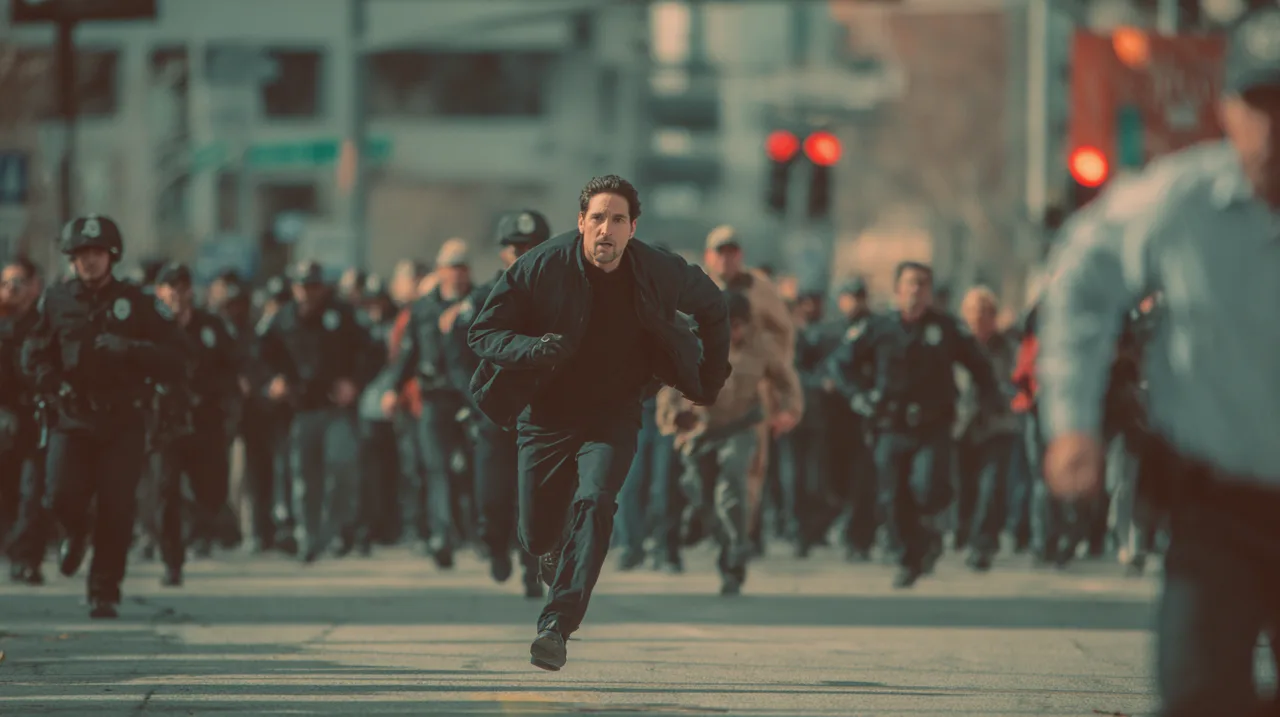
NEW
Upgrade timing for existing Seedance users
Useful for teams already using 1.5 Pro or 1 Pro Fast and deciding when a future upgrade makes sense.
4.1k USESUse Template

NEW
Camera-control evaluation
A fit for teams that care deeply about camera language, motion logic, and scene continuity.
4.1k USESUse Template

NEW
Early search-intent capture
For public marketing surfaces, these high-intent model queries benefit from a truthful explanatory page before broader release.
4.1k USESUse Template
Model Comparison
How Seedance 2.0 Compares to Other Video Models
Understand the upgrade advantages of Seedance 2.0 in motion stability and next-generation features.
vs
Alternative 01
Seedance 2.0 vs Seedance 1.5 Pro
Seedance 2.0 significantly improves motion smoothness and physical consistency over 1.5 Pro, adding finer camera control and character persistence. 1.5 Pro is currently more production-mature; 2.0 represents the next-gen direction and performs better in complex-motion scenarios.
Best for early adopters and technical evaluators wanting to preview next-generation Seedance capabilities.
vs
Alternative 02
Seedance 2.0 vs Kling O3
Kling O3 specializes in explosive high-energy dynamics and rapid transitions, while Seedance 2.0 core advantage is motion stability and physical realism. In scenes requiring smooth continuous motion (dance, gymnastics, runway walking), Seedance 2.0 looks more natural without limb distortion or motion frame-skipping.
Best for choreography videos, sports-training showcases, and scenes requiring precise human-body motion.
vs
Alternative 03
Seedance 2.0 vs Motion Capture Workflow
Traditional motion capture requires specialized equipment, wearable sensors, and post-cleanup, with high cost and venue constraints. Seedance 2.0 generates physically plausible human motion directly from text descriptions. While precision cannot fully replace professional mocap, it is an extremely cost-effective alternative for mid-precision scenarios.
Ideal for budget-constrained indie game developers, animation studios, and educational projects.
User feedback
Feedback written around model-evaluation behavior
These testimonials are less about heavy production use and more about whether the page clarifies the model honestly.
“I need pages that explain availability honestly, otherwise it is hard to know when a new model is actually worth planning around.”

Brand video lead
Model evaluation
“What makes the page useful is that it separates model direction from current status. That makes the information much more trustworthy.”

Ad creative team
Workflow planning
“I need pages that explain availability honestly, otherwise it is hard to know when a new model is actually worth planning around.”
Brand video lead
Model evaluation
“What makes the page useful is that it separates model direction from current status. That makes the information much more trustworthy.”
Ad creative team
Workflow planning
“I need pages that explain availability honestly, otherwise it is hard to know when a new model is actually worth planning around.”
Brand video lead
Model evaluation
“What makes the page useful is that it separates model direction from current status. That makes the information much more trustworthy.”
Ad creative team
Workflow planning
“I need pages that explain availability honestly, otherwise it is hard to know when a new model is actually worth planning around.”
Brand video lead
Model evaluation
“What makes the page useful is that it separates model direction from current status. That makes the information much more trustworthy.”
Ad creative team
Workflow planning
“I use pages like this to understand what is actually worth watching in the next generation instead of reading one vague promo sentence.”

Model watcher
Roadmap tracking
“For public traffic, having a truthful explanation page matters more than pretending everything is already fully available.”

Growth lead
SEO entry
“I use pages like this to understand what is actually worth watching in the next generation instead of reading one vague promo sentence.”
Model watcher
Roadmap tracking
“For public traffic, having a truthful explanation page matters more than pretending everything is already fully available.”
Growth lead
SEO entry
“I use pages like this to understand what is actually worth watching in the next generation instead of reading one vague promo sentence.”
Model watcher
Roadmap tracking
“For public traffic, having a truthful explanation page matters more than pretending everything is already fully available.”
Growth lead
SEO entry
“I use pages like this to understand what is actually worth watching in the next generation instead of reading one vague promo sentence.”
Model watcher
Roadmap tracking
“For public traffic, having a truthful explanation page matters more than pretending everything is already fully available.”
Growth lead
SEO entry
Flexible pricing that scales with output
Start free, then upgrade with credits. Every plan stays watermark-free with monthly or yearly billing.
Lite
For regular creators
$10
$15/moAnnual total $$120 · save about 33%
Monthly credits600Valid for 30 days
Core creator features
- Core video and image generation workflow
- Faster queue priority
- Commercial usage license
- HD export workflow
- Prompt enhancement tools
- Reusable creator presets
- AI video enhancer
- AI video background remover
- Seedream model
- Support AI video generation
- Seedance model
- Veo 3 model
- Sora 2 model
- Wan 2.5 model
- No watermark
- Email support
Pro
For production teams
Most PopularSave up to 50%
$14.5
$29/moAnnual total $$174 · save about 50%
Monthly credits1,500Valid for 30 days
Everything in Lite, plus
- Everything in Lite
- Highest queue priority
- Commercial usage license
- Team collaboration presets
- High-volume production scaling
- Multi-model creative workflow
- Priority customer support
- Advanced prompt controls
- Brand-safe commercial production
- Longer-running production usage
- Priority generation queue
- Seedance 2.0 model
- Seedream model
- AI video enhancer
- AI video background remover
- Veo 3 model
- Sora 2 model
- Seedance model
- Wan 2.5 model
- No watermark
Max
For production teams
$124.5
$249/moAnnual total $$1494 · save about 50%
Monthly credits18,000Valid for 30 days
Everything in Pro, plus
- Everything in Lite
- Highest queue priority
- Commercial usage license
- Team collaboration presets
- High-volume production scaling
- Multi-model creative workflow
- Priority customer support
- Advanced prompt controls
- Brand-safe commercial production
- Longer-running production usage
- Priority generation queue
- Seedance 2.0 model
- Seedream model
- AI video enhancer
- AI video background remover
- Veo 3 model
- Sora 2 model
- Seedance model
- Wan 2.5 model
- No watermark
- Higher monthly credit ceiling
- Dedicated account support
- Priority launch access to new models
For cancellations, billing questions, or plan changes, contact wangneo276@gmail.com
Seedance 2.0 FAQ
Is Seedance 2.0 already fully available for generation in BestVid?
No. What is public today is the model-introduction page and preset entry, while actual generation access is still rolling out. The page states that clearly.
Why publish the page before full access opens?
Because users search the model name early and often want to understand capability boundaries before access opens. A truthful explanation page is already valuable on its own.
What does the public Seedance 2.0 direction emphasize?
It emphasizes multimodal inputs, audio-video output, stronger camera control, and better subject consistency rather than a minor incremental update.
Why does the page still default to text-first input?
Because the public page still needs the clearest entry point. Text-first drafting is the simplest default, while the page content still explains broader capabilities such as image input.
Who is this page most useful for?
It is most useful for people already tracking the next Seedance generation, planning workflows, or researching model direction.
Free to start · Scale as you go
Transform your vision with BestVid: the professional AI video & image generator
Start creating with our professional AI generator today. Use text-to-video and image-to-video to produce drafts fast, then enhance with our production suite. Free to start, scale as you go.