Starts from text by default but switches into image-to-video once a still is uploaded
BestVidWan 2.6
A more utility-led, throughput-friendly Wan page for batch production and product-video work.
This page does not package Wan 2.6 as the most cinematic storytelling model. It puts the model back into a more truthful production slot: text-first by default, image-to-video when a still is uploaded, 5 / 10 / 15-second durations, and 720p / 1080p output for catalog content, product videos, and high-frequency batch work.
Model overview
What Wan 2.6 is and why it fits higher-frequency production work
Inside BestVid, Wan 2.6 behaves more like a production-line video page. It is not framed around cinematic mythology. It fits the real workflows that need multiple versions, multiple lengths, multiple products, and repeated testing across structured content.
Wan 2.6
Wan 2.6 is the more throughput- and production-line-oriented video model page currently exposed in BestVid. The page starts from text-to-video, but the live workflow switches into image-to-video once a still is uploaded. It currently supports 5 / 10 / 15-second runs and 720p / 1080p output, making it a better fit for product clips, batch SKU videos, structured marketing content, and repeated high-frequency runs.
ワークフロー
テキストから動画
デフォルト出力
5s · 16:9 · 720p
最適用途
Product showcase clipsBatch SKU videosEcommerce selling-point videos
01
That is why the default preset matters. Starting at 16:9, 5 seconds, and 720p matches the way many batch content jobs should begin. The first goal is to validate structure, pacing, and the order of selling points rather than spending heavily on the first run.
02
Wan 2.6 is not limited to text-to-video either. The live workflow switches into image-to-video when a still asset is uploaded, which means the same page can also carry product stills, packaging shots, posters, and approved key visuals into more consistent motion work.
03
That is the real value of the page: it fits catalog clips, product showcases, multi-SKU videos, structured marketing assets, educational demos, and content teams that need repeated high-frequency drafts instead of only one dramatic hero render.
Wan 2.6Text-to-video defaultThroughput-friendly
Supports 5 / 10 / 15-second runs and 720p / 1080p for staged production work
Better suited to product catalogs, structured marketing clips, and batch-oriented video jobs
The current workflow enables prompt extension so shorter instructions can become more usable video requests
Usage Guide
Best Practices for Wan 2.6
Leverage Wan 2.6 Chinese-ecosystem strengths to create high-quality cultural content.
使用ガイド
セクション 1
Prompt Tips: Leverage Chinese Imagery
Wan 2.6 has strong parsing of Chinese four-character idioms, classical-poetry imagery, and scene descriptions. Using mood-evoking terms like "misty rain" or "spring breeze through willows" directly in Chinese works better than translating to English. Mix concrete descriptions with abstract mood in scene prompts, e.g., "early morning bamboo grove, thin mist swirling, a white-robed swordsman walking slowly." Keep Chinese prompts to 50-80 characters; overly long prompts dilute model focus.
適用時期
Wan 2.6 を使用する際に、このアドバイスで試行錯誤を減らし、より早く完成品に到達できます。
次のステップ
次のセクションに進む:Strengths and Limitations
Core capabilities
What matters most on this Wan 2.6 page: structured production and dual-start workflows
This is not the page for mythical world-building. It is the page for making structured video jobs more repeatable and production-friendly.
動画生成機能
現在のフォーカス
Text-first without being locked to text
Starting from text fits most early-stage jobs, but the workflow switches to image-to-video once a still is uploaded, which helps teams continue from approved product or key-visual imagery.
Text by default
Switch with still upload
Continue on one page
解決すること
開始方法、制御内容、初期案をどのように実用的な方向に進めるかを明確にするように設計されています。
このレイアウトが機能する理由
ほとんどの訪問者は最初に実用的な回答を求めます:入力タイプ、機能範囲、ページが実際に配送する必要があるタスクに適しているかどうか。
How to use Wan 2.6 for a more production-style video workflow
This page works best when the brief is structured: product, selling points, shot order, presentation style, and output ratio can all be written more directly.
01
Write the product, selling points, and shot order as a clear structure first
02
Use text-to-video first to confirm order and pacing
If no key visual is locked yet, use text first to test the segment structure and pacing before refining further.
03
Once product stills exist, upload them and switch into image-to-video
That lets approved stills extend into more stable motion clips without leaving the page or restarting the workflow.
04
Start at 5 seconds and 720p, then decide whether the scene deserves more length or higher quality
It is usually smarter to get the structure and selling-point order right first, then move to 10 / 15 seconds or 1080p only after the direction works.
bestvid.net/generate

These jobs fit Wan 2.6 better than more narrative-heavy pages
When the brief is product-led, structured, and repeatable rather than purely conceptual, Wan 2.6 makes more sense.
The clearest fit is product-video and multi-SKU content. Teams often need several versions built under a shared structure instead of slowly polishing one dramatic film. Wan 2.6 is more direct in that environment.
Educational demos, operational explainers, and marketing videos with a clearer information order also suit the page well. The key in those tasks is not building an entire fictional world, but making the structure readable and the sequence logical.
If product stills, packaging shots, promo visuals, or brand key art already exist, the page can continue into image-to-video without leaving the workflow. That means one entry point can validate the structure first and then improve consistency later.
So the real question this page answers is simple: when the job is more utility-led, batch-friendly, and dependent on stable repeatable output, where should you start to make the work easiest to manage?

HOT 🔥
Product showcase clips
Useful for fast multi-version testing around selling-point order, product reveals, and showcase framing.
8.4k USESUse Template

NEW
Batch SKU videos
When multiple products need a shared video structure, Wan 2.6 is more practical than a story-heavy model page.
1.2k USESUse Template

NEW
Ecommerce selling-point videos
A better fit for videos that need clear selling points, usage context, and information order instead of only mood.
4.1k USESUse Template

NEW
Educational or demo-led videos
The structured workflow is especially useful for explainers, demos, and instructional video formats.
4.1k USESUse Template
NEW
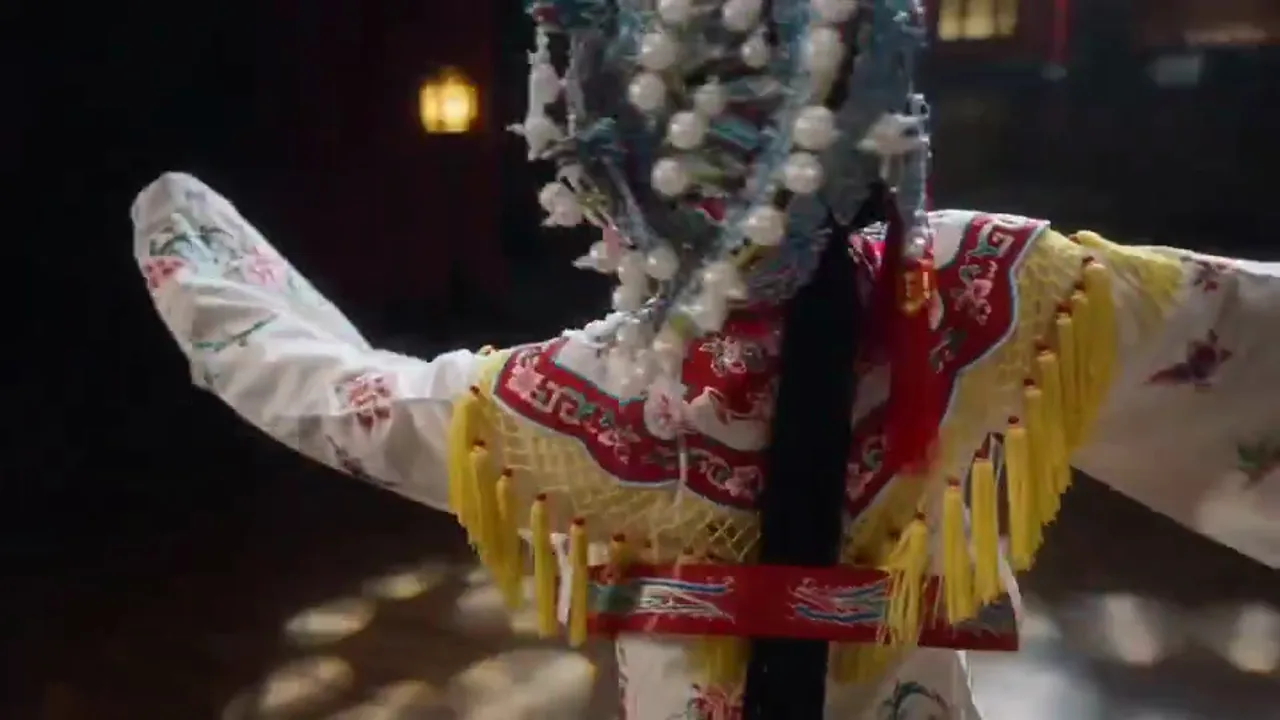
Packaging stills to motion showcases
Once packaging shots or product stills exist, the page can switch into image-to-video for consistent motion extensions.
4.1k USESUse Template
NEW
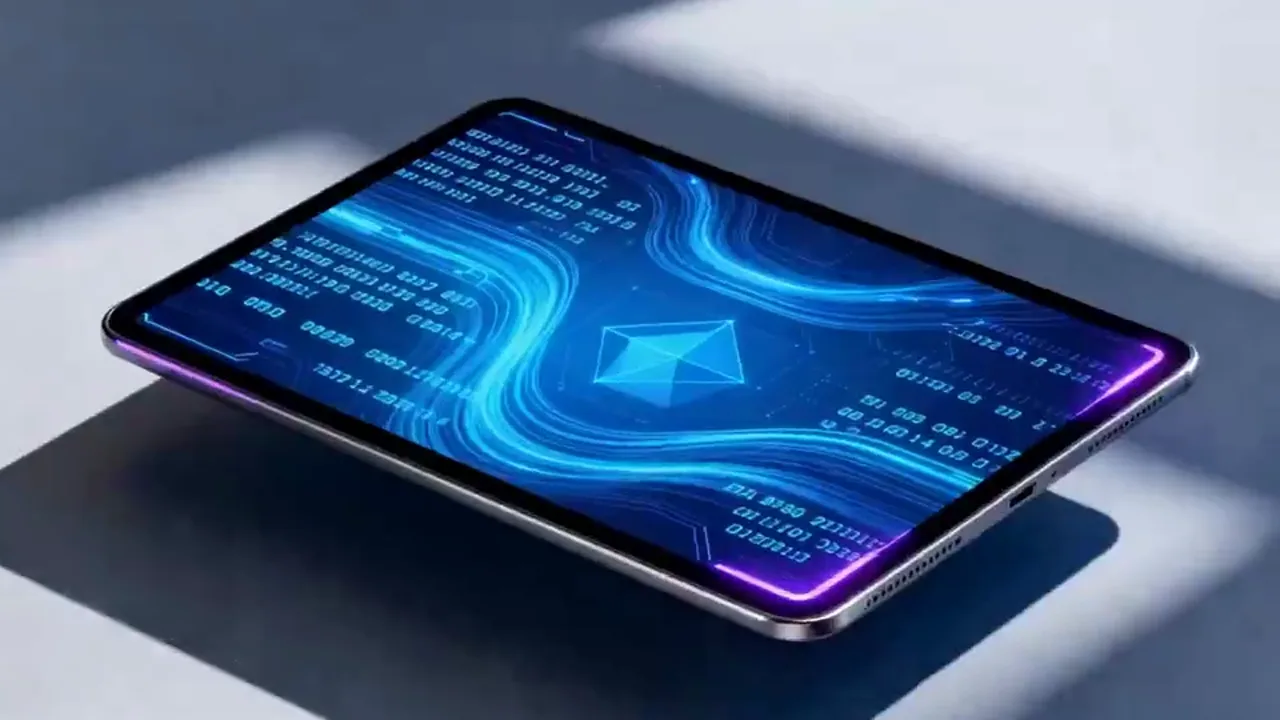
High-frequency marketing drafts
A strong fit for ad testing, structured campaign assets, and teams that need several versions moving at once.
4.1k USESUse Template
Model Comparison
How Wan 2.6 Compares to Other Video Models
Understand where Wan 2.6 stands in Chinese-culture understanding and contextual scene generation.
vs
代替案 01
Wan 2.6 vs Kling 3.0
Wan 2.6 has a native advantage in Chinese semantic understanding and Eastern-aesthetic scenes, parsing Chinese idioms, poetic imagery, and cultural symbols more accurately. Kling 3.0 is stronger in pure dynamic effects and speed but cannot match Wan in Chinese cultural nuance.
Best for brand videos targeting the Chinese market, Chinese-style animations, and cultural content creation.
vs
代替案 02
Wan 2.6 vs Traditional Animation Production
Traditional Chinese-style animation requires specialized art teams for storyboard hand-drawing and frame-by-frame production, with long timelines and high costs. Wan 2.6 generates ink-wash, meticulous-brushwork, or modern Guochao-style motion directly from Chinese descriptions, drastically lowering the barrier to cultural content production.
Ideal for e-commerce teams and content platforms needing rapid Chinese-style marketing assets.
vs
代替案 03
Wan 2.6 vs Sora 2
Sora 2 is more mature in Western cinematic language and narrative structure, suited to Hollywood-style shot grammar. Wan 2.6 has stronger grasp of Eastern narrative pacing and visual aesthetics, performing better in slow-paced, mood-driven scenes. They complement each other well in cross-cultural projects.
Best for cross-cultural projects and global brands that need to blend Eastern and Western visual styles.
User feedback
Feedback written around product videos and batch content work
These testimonials focus on whether Wan 2.6 actually helps teams produce structured videos more smoothly, not whether it wins a cinematic beauty contest.
“We use Wan 2.6 most for multi-SKU versions because it helps us get the structure and selling-point order right before deciding what deserves a heavier pass.”

Ecommerce brand team
SKU videos
“It is very useful on videos with clearer structure where we do not need to chase heavy storytelling from the first run.”

Product marketing team
Demo videos
“We use Wan 2.6 most for multi-SKU versions because it helps us get the structure and selling-point order right before deciding what deserves a heavier pass.”
Ecommerce brand team
SKU videos
“It is very useful on videos with clearer structure where we do not need to chase heavy storytelling from the first run.”
Product marketing team
Demo videos
“We use Wan 2.6 most for multi-SKU versions because it helps us get the structure and selling-point order right before deciding what deserves a heavier pass.”
Ecommerce brand team
SKU videos
“It is very useful on videos with clearer structure where we do not need to chase heavy storytelling from the first run.”
Product marketing team
Demo videos
“We use Wan 2.6 most for multi-SKU versions because it helps us get the structure and selling-point order right before deciding what deserves a heavier pass.”
Ecommerce brand team
SKU videos
“It is very useful on videos with clearer structure where we do not need to chase heavy storytelling from the first run.”
Product marketing team
Demo videos
“For explainers and step-by-step visuals, this page is closer to how we actually work than more concept-heavy model pages.”

Education content team
Explainer content
“What I like most is that once I have a still image, I can keep working on the same page instead of switching to a completely different entry point.”

Independent seller
Product clips
“For explainers and step-by-step visuals, this page is closer to how we actually work than more concept-heavy model pages.”
Education content team
Explainer content
“What I like most is that once I have a still image, I can keep working on the same page instead of switching to a completely different entry point.”
Independent seller
Product clips
“For explainers and step-by-step visuals, this page is closer to how we actually work than more concept-heavy model pages.”
Education content team
Explainer content
“What I like most is that once I have a still image, I can keep working on the same page instead of switching to a completely different entry point.”
Independent seller
Product clips
“For explainers and step-by-step visuals, this page is closer to how we actually work than more concept-heavy model pages.”
Education content team
Explainer content
“What I like most is that once I have a still image, I can keep working on the same page instead of switching to a completely different entry point.”
Independent seller
Product clips
出力に応じてスケールする柔軟な料金
無料で開始し、クレジットでアップグレード。すべてのプランは月額または年額請求でウォーターマークなし。
Lite
レギュラークリエイター向け
$10
$15/月年間合計 $$120 · 約33%お得
月間クレジット60030日間有効
クリエイター向け基本機能
- 動画・画像生成の基本ワークフロー
- より高いキュー優先度
- 商用利用ライセンス
- HD エクスポートワークフロー
- プロンプト強化ツール
- 再利用可能なクリエイタープリセット
- AI 動画エンハンサー
- AI 動画背景除去
- Seedream モデル
- AI 動画生成対応
- Seedance モデル
- Veo 3 モデル
- Sora 2 モデル
- Wan 2.5 モデル
- ウォーターマークなし
- メールサポート
Pro
プロダクションチーム向け
一番人気最大50%お得
$14.5
$29/月年間合計 $$174 · 約50%お得
月間クレジット1,50030日間有効
Lite の全機能に加えて
- Lite の全機能を含む
- 最高キュー優先度
- 商用利用ライセンス
- チームコラボレーションプリセット
- 大量生産スケーリング対応
- マルチモデル創作ワークフロー
- 優先カスタマーサポート
- 高度なプロンプト制御
- ブランドセーフな商用制作
- 長時間の制作利用に対応
- 優先生成キュー
- Seedance 2.0 モデル
- Seedream モデル
- AI 動画エンハンサー
- AI 動画背景除去
- Veo 3 モデル
- Sora 2 モデル
- Seedance モデル
- Wan 2.5 モデル
- ウォーターマークなし
Max
プロダクションチーム向け
$124.5
$249/月年間合計 $$1494 · 約50%お得
月間クレジット18,00030日間有効
Pro の全機能に加えて
- Lite の全機能を含む
- 最高キュー優先度
- 商用利用ライセンス
- チームコラボレーションプリセット
- 大量生産スケーリング対応
- マルチモデル創作ワークフロー
- 優先カスタマーサポート
- 高度なプロンプト制御
- ブランドセーフな商用制作
- 長時間の制作利用に対応
- 優先生成キュー
- Seedance 2.0 モデル
- Seedream モデル
- AI 動画エンハンサー
- AI 動画背景除去
- Veo 3 モデル
- Sora 2 モデル
- Seedance モデル
- Wan 2.5 モデル
- ウォーターマークなし
- より高い月間クレジット上限
- 専任アカウントサポート
- 新モデルへの優先アクセス
解約、請求に関する質問、プラン変更については、サポートまでご連絡ください:wangneo276@gmail.com
Wan 2.6 FAQ
What is the real role of the Wan 2.6 page?
It is a more structured production page that starts from text-to-video by default, switches into image-to-video once a still is uploaded, and fits product showcases, catalog clips, and high-frequency batch jobs.
Why does the page default to text-to-video?
Because the first round for many jobs is still about validating structure, selling-point order, and pacing. Once product stills or key visuals are approved, moving into image-to-video becomes the more natural next step.
Does the current Wan 2.6 page support image-to-video?
Yes. The live workflow switches into image-to-video once an input image is uploaded, so jobs that already have product or packaging stills can continue on the same page.
Why does the page mention prompt extension?
Because the current Wan 2.6 workflow automatically enables prompt extension, which makes shorter descriptions easier to turn into usable video requests, especially in higher-frequency batch work.
What kinds of jobs fit Wan 2.6 best?
It is best suited to product showcases, batch SKU videos, ecommerce selling-point clips, educational demos, catalog-style content, and other jobs that need structured stable output.
Why is the default 5 seconds at 720p?
Because the page is built to get the structure right first. Five seconds at 720p moves batch work into the first review round quickly before deciding whether anything deserves longer duration or 1080p output.