
热门 🔥
Campaign hooks
Turn written offer angles, launch hooks, and ad concepts into first-pass short-form videos for internal review.
8.4k 次使用使用模板
Turn prompts, scripts, and creative briefs into reviewable video drafts with a workflow designed for real production teams.
This page opens in text-to-video mode with Seedance, an empty prompt field, and production-friendly output defaults so you can move from idea to first cut with less setup.
当你的起点是提示词、脚本或创意 brief 时,重点不是抽象比参数,而是判断哪类模型更适合广告起稿、品牌短片、产品展示和更可评审的第一版视频。
如果你要给文本转视频页面选一个最合理的默认模型,Seedance 仍然应该排在最前面。它更适合把提示词、脚本和广告 brief 快速转成稳定、清晰、可评审的第一版视频,尤其适合营销视频、产品卖点视频和品牌短片起稿。
Quality
94
Speed
86
Control
88
Value
82
A useful text-to-video workflow is really about turning a written idea into a first cut that people can compare, refine, and keep pushing toward publication.
Write the subject, action, camera language, lighting, and tone clearly enough that the first generation can reveal whether the idea works.
Set the aspect ratio and length to fit the channel you actually care about so the first output lands closer to a usable draft.
Once the first cut exists, you can push toward a stronger hook, cleaner story structure, calmer pacing, or a more product-led version.
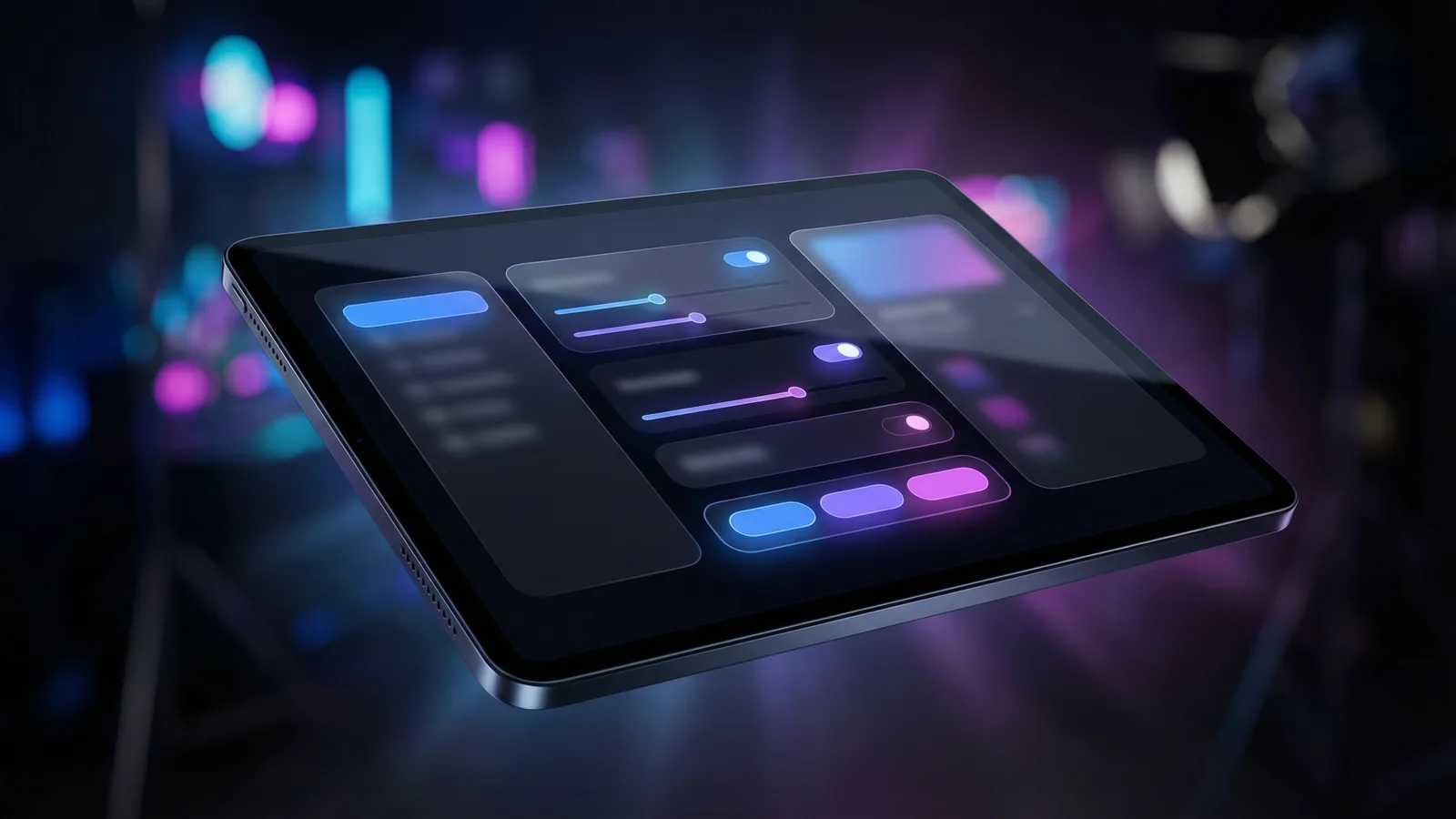
Text-to-video works best when the visual idea still lives in language. These are the tasks where starting from prompts is faster, cleaner, and easier to review than waiting for finished assets.
The clearest use case is early campaign development. When a team has a hook, an offer, and a rough scene idea but no footage yet, text-to-video is the fastest way to turn those words into something the team can react to.
It is also useful for product storytelling and explainer concepts. A prompt-led draft can help teams test framing, narrative emphasis, and visual tone before deciding whether to invest in a deeper production pass.
Brand teams often use text-to-video as a direction-setting tool. Instead of promising a final ad immediately, the workflow helps them compare mood, pacing, and cinematic language while the brief is still flexible.
That makes this page especially valuable when the job is not “finish the video instantly,” but “get to a strong enough first version that the next conversation becomes specific.”
Turn written offer angles, launch hooks, and ad concepts into first-pass short-form videos for internal review.

Prototype scenes for product walkthroughs, explainers, and product narratives before investing in larger production work.

Use prompts to test tone, pacing, scene language, and cinematic mood before a full creative execution round.

Translate copy and strategy notes into moving storyboards your team can compare and discuss.
Turn product messaging and scene notes into quick video drafts for launch pages, pitches, and founder-led narratives.
Use prompt-led drafts to test sequence direction before locking in a more detailed production path.
比較方式
Choosing the right starting point matters. Here is how text-to-video compares with other input methods for different production needs.
替代方案 01
Text-to-video lets you start without any visual asset. You describe the scene, camera motion, and mood entirely in words — ideal when the creative direction is still forming and no reference frame exists yet.
Best when you have a clear idea of what you want but no source image. Common in ad scripting, explainer pre-production, and rapid concept validation.
替代方案 02
Stock footage gives you real-world clips but limits creative control. With text-to-video, every element — subject, lighting, camera angle, duration — is adjustable per generation, and you keep full commercial rights on the output.
Choose text-to-video when stock libraries lack the specificity your brand needs, or when licensing costs exceed the generation budget.
替代方案 03
Professional editing tools require source footage, timeline skills, and render time. Text-to-video produces a reviewable first draft in under a minute from a single prompt, compressing the ideation-to-review cycle from hours to seconds.
Use text-to-video for first drafts and rapid iteration, then bring the best outputs into your NLE for polish if needed.
深度指南
Prompt quality is the single largest lever for output quality. These principles apply across all models available in BestVid.
The most common mistake in text-to-video prompting is writing abstract goals ("make it look cinematic") instead of concrete scene descriptions. Effective prompts describe what the camera sees: subject position, motion direction, lighting source, environment details, and color palette. For example, "A woman in a navy blazer walks toward the camera in a sunlit office corridor, shallow depth of field, warm tungsten light from the left" gives the model far more to work with than "professional business video." Start with the subject, add the action, describe the environment, then layer in camera and lighting details.
適用時機
使用 Text to Video 時,本節建議可幫助您減少試誤、更快完成作品。
下一步
繼續閱讀下一節:Match Prompt Length to Model Capability
Core capabilities
Text-to-video is not just a prompt box. It is a workflow for turning written creative direction into a video draft that can survive internal review, iteration, and handoff.
This page is for teams who begin with a line of copy, a script fragment, a storyboard note, or an internal creative brief rather than a ready-made visual.
The best text-to-video pages help users get to a useful first cut quickly, with defaults that support internal review instead of forcing a long setup process.
Seedance is the right public default here because it balances motion stability, clarity, and practical output quality for prompt-led production work.
Once your workflow shifts from concepts into approved stills or fixed visual assets, this page should lead naturally into image-to-video and later reference-led workflows.
Use the broader /video channel page when you want the full category view, or switch to image-to-video when your starting point is already a still asset.
User feedback
These testimonials are written around real text-to-video tasks: ad concepts, launch briefs, product stories, and early-stage video ideation.
“We use this page when a launch still only exists as messaging and scene ideas. The main value is getting to a first cut fast enough that we can compare hooks instead of debating copy in the abstract.”

Growth Creative Team
Prompt-led ad testing
“Text-to-video helps us test tone before we commit to heavier production work. We are not expecting a final master every time. We are expecting a direction that is clear enough to discuss seriously.”

Brand Studio
Mood and concept drafts
“We often start from written product value props, not from finished footage. This workflow gives us something visual to review while the story is still flexible.”

Product Marketing Team
Feature narrative drafts
“We use this page when a launch still only exists as messaging and scene ideas. The main value is getting to a first cut fast enough that we can compare hooks instead of debating copy in the abstract.”
Growth Creative Team
Prompt-led ad testing
“Text-to-video helps us test tone before we commit to heavier production work. We are not expecting a final master every time. We are expecting a direction that is clear enough to discuss seriously.”
Brand Studio
Mood and concept drafts
“We often start from written product value props, not from finished footage. This workflow gives us something visual to review while the story is still flexible.”
Product Marketing Team
Feature narrative drafts
“We use this page when a launch still only exists as messaging and scene ideas. The main value is getting to a first cut fast enough that we can compare hooks instead of debating copy in the abstract.”
Growth Creative Team
Prompt-led ad testing
“Text-to-video helps us test tone before we commit to heavier production work. We are not expecting a final master every time. We are expecting a direction that is clear enough to discuss seriously.”
Brand Studio
Mood and concept drafts
“We often start from written product value props, not from finished footage. This workflow gives us something visual to review while the story is still flexible.”
Product Marketing Team
Feature narrative drafts
“We use this page when a launch still only exists as messaging and scene ideas. The main value is getting to a first cut fast enough that we can compare hooks instead of debating copy in the abstract.”
Growth Creative Team
Prompt-led ad testing
“Text-to-video helps us test tone before we commit to heavier production work. We are not expecting a final master every time. We are expecting a direction that is clear enough to discuss seriously.”
Brand Studio
Mood and concept drafts
“We often start from written product value props, not from finished footage. This workflow gives us something visual to review while the story is still flexible.”
Product Marketing Team
Feature narrative drafts
“Before this, launch videos stayed stuck at the brief stage for too long. Now I can turn a prompt into a first-pass sequence quickly and decide what deserves more production time.”

Indie Founder
Launch video ideation
“The page is useful because it is written around text-to-video intent. It does not force me into an image-first workflow when I am still shaping the narrative from words.”

Content Strategist
Explainer concepts
“The fastest win is that internal reviews get better. Once people see a first cut, feedback becomes specific about pacing, framing, and story direction instead of staying vague.”
Creative Operations Lead
Internal review speed
“Before this, launch videos stayed stuck at the brief stage for too long. Now I can turn a prompt into a first-pass sequence quickly and decide what deserves more production time.”
Indie Founder
Launch video ideation
“The page is useful because it is written around text-to-video intent. It does not force me into an image-first workflow when I am still shaping the narrative from words.”
Content Strategist
Explainer concepts
“The fastest win is that internal reviews get better. Once people see a first cut, feedback becomes specific about pacing, framing, and story direction instead of staying vague.”
Creative Operations Lead
Internal review speed
“Before this, launch videos stayed stuck at the brief stage for too long. Now I can turn a prompt into a first-pass sequence quickly and decide what deserves more production time.”
Indie Founder
Launch video ideation
“The page is useful because it is written around text-to-video intent. It does not force me into an image-first workflow when I am still shaping the narrative from words.”
Content Strategist
Explainer concepts
“The fastest win is that internal reviews get better. Once people see a first cut, feedback becomes specific about pacing, framing, and story direction instead of staying vague.”
Creative Operations Lead
Internal review speed
“Before this, launch videos stayed stuck at the brief stage for too long. Now I can turn a prompt into a first-pass sequence quickly and decide what deserves more production time.”
Indie Founder
Launch video ideation
“The page is useful because it is written around text-to-video intent. It does not force me into an image-first workflow when I am still shaping the narrative from words.”
Content Strategist
Explainer concepts
“The fastest win is that internal reviews get better. Once people see a first cut, feedback becomes specific about pacing, framing, and story direction instead of staying vague.”
Creative Operations Lead
Internal review speed
免費開始,然後使用點數升級。每個方案皆支援按月或按年計費,且完全無浮水印。
適合穩定創作需求
$10
$15/月年付總價 $$120 · 約省 33%
創作者核心功能
適合團隊與高頻產出
$14.5
$29/月年付總價 $$174 · 約省 50%
包含 Lite 全部功能,另外
適合團隊與高頻產出
$124.5
$249/月年付總價 $$1494 · 約省 50%
包含 Pro 全部功能,另外
取消訂閱、帳單問題或方案調整,請聯絡支援信箱:support@bestvid.net