Maps to xAI’s public Imagine direction for video generation and media editing
BestVid Grok Imagine Video
A model page that leans toward creative exploration, social distribution, and xAI-style video expression.
This page does not turn Grok Imagine Video into a vague do-everything model. The truthful framing is that it maps to xAI’s public Imagine video-generation and editing direction, while BestVid currently exposes it as a workflow better suited to creative testing, short-form social clips, and prompt-first drafts.
Model overview
What Grok Imagine Video is and why it fits a creative-test page well
Grok Imagine Video is better understood as a public entry into xAI’s Imagine video direction. The emphasis is not only “generate a video,” but also continuing creative work from prompts, existing media, and visual editing flows.
Grok Imagine Video
Grok Imagine Video is the public xAI video model page currently live in BestVid. In xAI’s public Imagine direction, the model is positioned around generating and editing visual media from prompts or existing media. Inside BestVid, the page currently fits 6-second or 10-second creative video drafts at 480p / 720p and can also extend still images into motion clips.
工作流程
文字轉影片
預設輸出
6s · 16:9 · 720p
最適合
Social teasersEvent promo clipsVisual concept experiments
01
That directly changes how the page should read. When a model page naturally leans toward creative distribution and shorter scenes, it should not be forced into a heavy narrative, long-form, all-purpose frame.
02
Inside BestVid today, the route also maps better to a real short-form workflow. It defaults to 6 seconds, 720p, and 16:9 so users can judge concept, motion, and shareability before committing further.
Grok Imagine VideoxAI ImagineCreative short clips
Currently a better fit for 6s / 10s creative drafts and short-form distribution tests
Supports prompt-first starts and image-led motion continuation
Leans more toward creative tests, social distribution, and visual concept pieces than long narrative scenes
Usage Guide
Best Practices for Grok Imagine Video
Master Grok Imagine Video social-creation techniques to maximize viral potential.
使用指南
區塊 1節
Prompt Tips: Embrace Social Language
Grok Imagine Video understands internet slang and meme formats very well. No need for formal cinema terminology—use social-media speak directly: "that chill sunset vibe," "POV walking into a hidden café," "this transition is insane." The model converts social-native descriptions into share-ready video styles. Keep prompts punchy and short; 15-30 words is usually the sweet spot.
適用時機
使用 Grok Imagine Video 時,本節建議可幫助您減少試誤、更快完成作品。
下一步
繼續閱讀下一節:Strengths and Limitations
Core capabilities
The four things that matter most on this Grok Imagine Video page
The useful question is not a broad comparison. It is what this route actually fits.
影片生成功能
目前重點
xAI Imagine video direction
The page first maps to xAI’s public Imagine direction for video generation and editing.
Public video direction
Generation and editing
Creative expression
解決的問題
設計用於釐清如何開始、控制什麼,以及如何將初稿推進到可用方向。
版面配置的優勢
大多數訪客首先需要實用答案:輸入類型、功能邊界,以及此頁面是否符合他們實際需要交付的任務。
How to use Grok Imagine Video for creative short-form drafts
This page behaves more like a creative-distribution page than a long-form narrative production page.
01
Decide whether the job is a teaser, social clip, or visual concept beat first
Grok Imagine Video works best when the short-form job is defined clearly. Use-case clarity matters more than inflated prompts.
02
Use prompts first to surface shareability and opening impact
The route is better for checking whether a concept hooks fast than for building long cinematic sequences from the start.
03
Move into image-led extension once a still concept already works
Once a poster, character still, or concept frame is approved, continue into motion extension from the same route.
04
Use 6s or 10s to confirm direction before making the workflow heavier
Short durations are better for testing shareability, pace, and visual memorability.
bestvid.net/generate
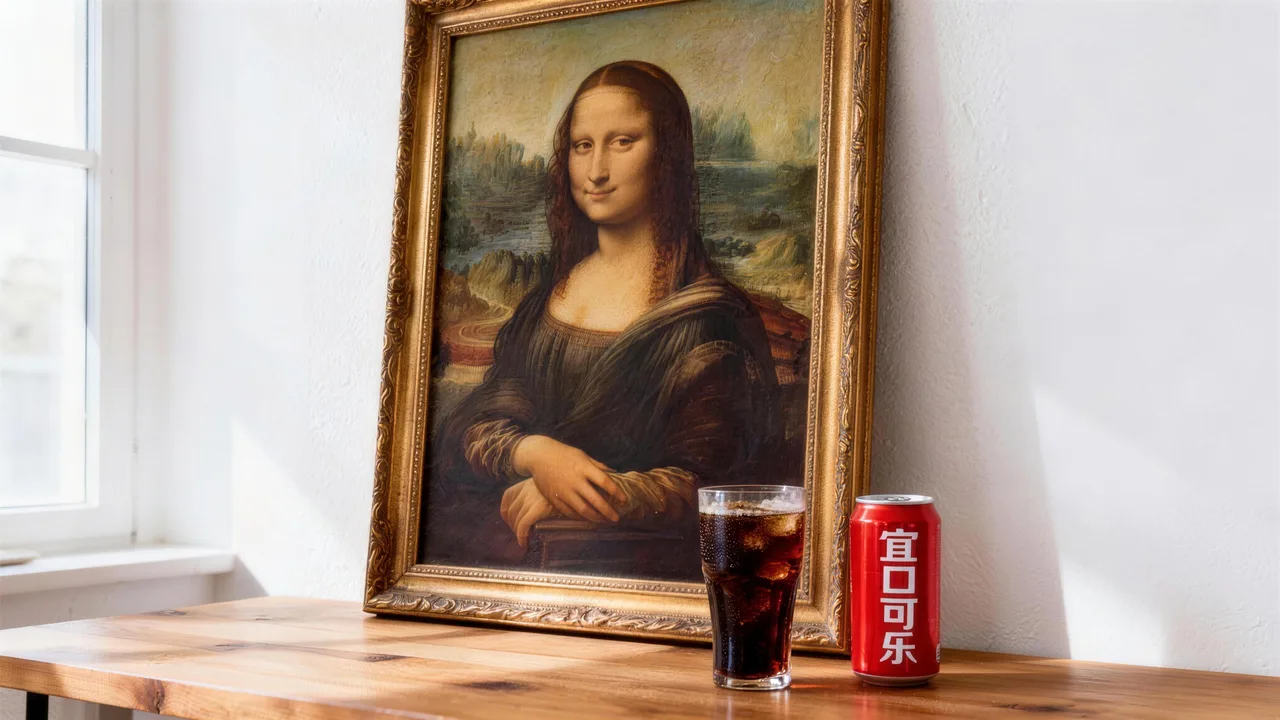
These jobs fit Grok Imagine Video better than long-form narrative work
It behaves more like an entry point for creative short clips and distribution content.
Social teasers are the clearest fit. The job is to create a strong opening hook, not an entire long-form narrative.
Concept clips and visual experiments fit well too because they care more about mood, creative direction, and memorable shareable moments.
Once a strong still image already exists, the route is also useful for extending that still into a motion-driven distribution asset.


新内容
Event promo clips
A good fit for countdowns, pre-launch hype, and short event-promotional beats.
1.2k 次使用使用模板

新内容
Visual concept experiments
Useful for validating concept style and shareability before going deeper.
4.1k 次使用使用模板

新内容
Poster-to-motion extension
Once a poster or concept frame exists, the route can extend it into motion.
4.1k 次使用使用模板
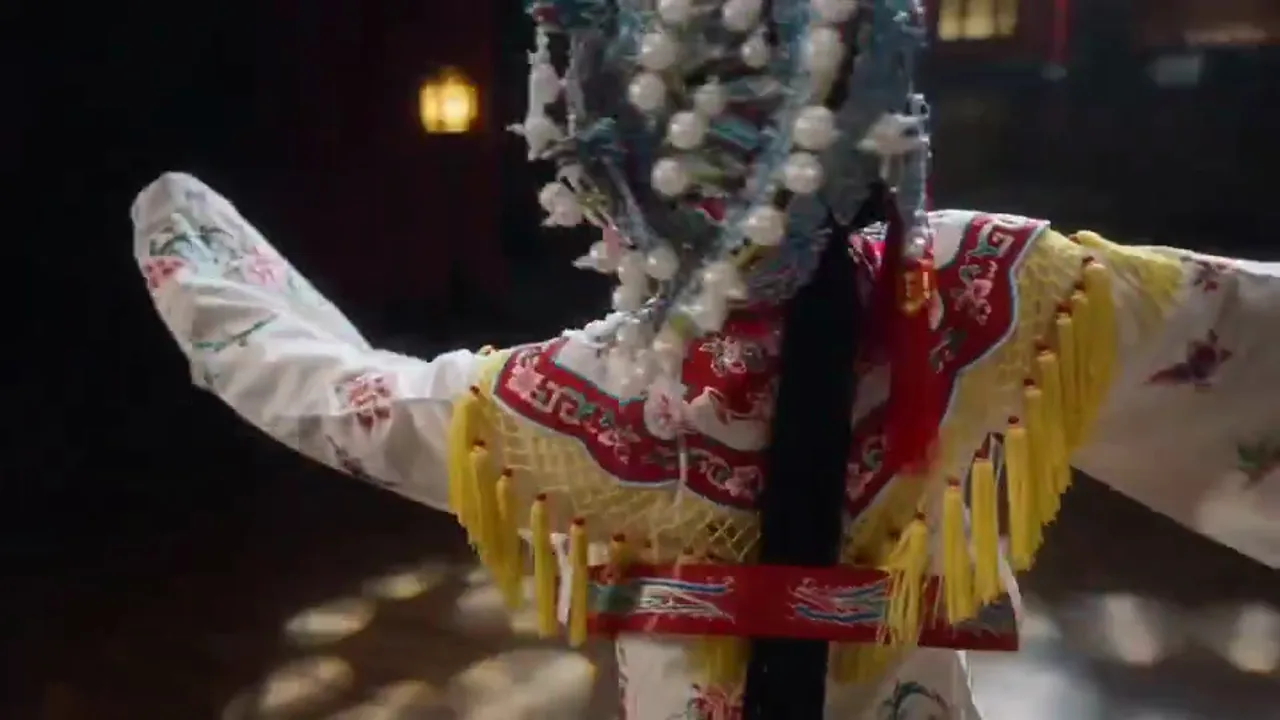
新内容
Character intro beats
A strong fit for short character-introduction beats with memorable visuals.
4.1k 次使用使用模板
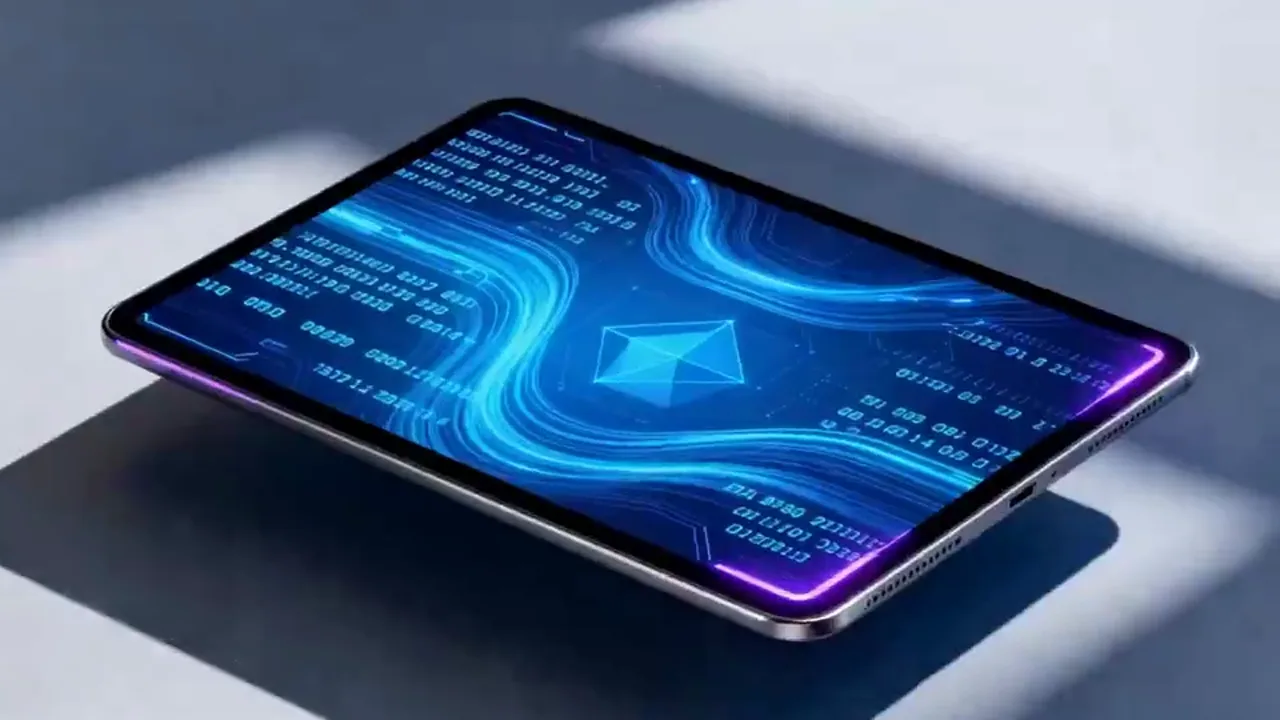
新内容
Creative ad openings
Useful for testing whether an opening hits hard enough before building a larger ad version.
4.1k 次使用使用模板
Model Comparison
How Grok Imagine Video Compares to Other Video Models
Understand where Grok Imagine Video stands in social-media ecosystem integration and rapid content creation.
vs
替代方案 01
Grok Imagine Video vs Kling O3
Kling O3 is stronger in pure video quality and dynamic effects, but Grok Imagine Video integrates deeply with the X/Twitter ecosystem, allowing generated content to flow seamlessly into social-media distribution. Grok has sharper understanding of trending topics and meme culture, producing content naturally suited for social sharing.
Best for social-media managers, content marketing teams, and creators needing to ride trending topics quickly.
vs
替代方案 02
Grok Imagine Video vs Traditional Social Content Production
Traditional social content production relies on template tools, manual editing, and stock libraries, with trend-following speed limited by manpower. Grok Imagine Video generates short videos directly from a topic description, compressing trend response time from hours to minutes—perfect for social-media operations that demand rapid response.
Ideal for social-media accounts requiring daily high-frequency publishing and MCN agencies.
vs
替代方案 03
Grok Imagine Video vs Sora 2
Sora 2 targets cinematic narrative, suited for carefully polished long-form content. Grok Imagine Video targets rapid, lightweight, social-native short content. For sub-15-second social videos, Grok offers better speed and style fit; for deep narrative requirements, Sora 2 is the superior choice.
Best for TikTok/X-style ultra-short videos and viral content.
User feedback
Feedback written around creative-distribution clips
These quotes focus on whether the short-form direction works instead of treating it as a universal model.
“This route behaves more like a hook generator for us. We use it to see whether the opening has any shareable energy.”

Social team
Teaser drafts
“For promo clips, this page is easier to work with than heavier narrative models because concept and pace matter first.”

Event creative team
Promo clips
“This route behaves more like a hook generator for us. We use it to see whether the opening has any shareable energy.”
Social team
Teaser drafts
“For promo clips, this page is easier to work with than heavier narrative models because concept and pace matter first.”
Event creative team
Promo clips
“This route behaves more like a hook generator for us. We use it to see whether the opening has any shareable energy.”
Social team
Teaser drafts
“For promo clips, this page is easier to work with than heavier narrative models because concept and pace matter first.”
Event creative team
Promo clips
“This route behaves more like a hook generator for us. We use it to see whether the opening has any shareable energy.”
Social team
Teaser drafts
“For promo clips, this page is easier to work with than heavier narrative models because concept and pace matter first.”
Event creative team
Promo clips
“I use this page to decide whether an idea deserves another round, especially when the work leans more experimental.”

Independent creator
Concept experiments
“When the job is only to test whether an ad opening hooks quickly, Grok Imagine Video is more direct than a long-form model.”

Brand content lead
Opening tests
“I use this page to decide whether an idea deserves another round, especially when the work leans more experimental.”
Independent creator
Concept experiments
“When the job is only to test whether an ad opening hooks quickly, Grok Imagine Video is more direct than a long-form model.”
Brand content lead
Opening tests
“I use this page to decide whether an idea deserves another round, especially when the work leans more experimental.”
Independent creator
Concept experiments
“When the job is only to test whether an ad opening hooks quickly, Grok Imagine Video is more direct than a long-form model.”
Brand content lead
Opening tests
“I use this page to decide whether an idea deserves another round, especially when the work leans more experimental.”
Independent creator
Concept experiments
“When the job is only to test whether an ad opening hooks quickly, Grok Imagine Video is more direct than a long-form model.”
Brand content lead
Opening tests
隨輸出量靈活調整的定價
免費開始,然後使用點數升級。每個方案皆支援按月或按年計費,且完全無浮水印。
Starter
適合穩定創作需求
$10
$15/月年付總價 $$120 · 約省 33%
每月額度600
30 天有效
Cost per 100 credits
$1.67創作者核心功能
- 核心影片與圖片生成工作流
- 更高佇列優先順序
- 支援商業使用授權
- 高清匯出工作流
- 提示詞增強工具
- 可重複使用的創作預設
- AI 影片增強器
- AI 影片背景移除
- Seedream 模型
- 支援 AI 影片生成
- Seedance 模型
- Veo 3 模型
- Sora 2 模型
- Wan 2.5 模型
- 無浮水印匯出
- 電子郵件支援
Premium
適合團隊與高頻產出
最受歡迎最高省 50%
$14.5
$29/月年付總價 $$174 · 約省 50%
每月額度1,500
30 天有效
Cost per 100 credits
$0.97包含 Lite 全部功能,另外
- 包含 Lite 全部功能
- 最高佇列優先順序
- 支援商業使用授權
- 團隊協作範本預設
- 支援高頻大批量產出
- 多模型創作工作流
- 優先客戶支援
- 進階提示詞控制
- 支援品牌級商業製作
- 更適合長時段生產使用
- 優先生成佇列
- Seedance 2.0 模型
- Seedream 模型
- AI 影片增強器
- AI 影片背景移除
- Veo 3 模型
- Sora 2 模型
- Seedance 模型
- Wan 2.5 模型
- 無浮水印匯出
Advanced
適合團隊與高頻產出
$124.5
$249/月年付總價 $$1494 · 約省 50%
每月額度18,000
30 天有效
Cost per 100 credits
$0.69包含 Pro 全部功能,另外
- 包含 Lite 全部功能
- 最高佇列優先順序
- 支援商業使用授權
- 團隊協作範本預設
- 支援高頻大批量產出
- 多模型創作工作流
- 優先客戶支援
- 進階提示詞控制
- 支援品牌級商業製作
- 更適合長時段生產使用
- 優先生成佇列
- Seedance 2.0 模型
- Seedream 模型
- AI 影片增強器
- AI 影片背景移除
- Veo 3 模型
- Sora 2 模型
- Seedance 模型
- Wan 2.5 模型
- 無浮水印匯出
- 更高的月度點數上限
- 專屬帳戶支援
- 新模型優先接入
取消訂閱、帳單問題或方案調整,請聯絡支援信箱:support@bestvid.net
Grok Imagine Video FAQ
What kinds of jobs fit Grok Imagine Video best in BestVid today?
It is a better fit for social teasers, creative concept clips, event promo beats, and visual tasks where shareability needs to be judged quickly.
Can the page extend still images into video too?
Yes. The current workflow can start from prompts and also continue from still images into motion clips.
Why does the page focus on shorter 6s and 10s clips?
Because the route is better for testing concept, shareability, and opening impact. Shorter clips are easier to compare quickly.
Is this the best page for heavy long-form narrative work?
Usually no. It is better for creative short clips and distribution assets. If the job is heavier long-form narrative work, the broader video page or another longer-horizon model page is often a better fit.
How is this different from the broader `/video` page?
`/video` is the broader channel page, while `/grok-imagine-video` is a narrower model-introduction page focused on xAI Imagine and the short-form jobs it fits today.