
热门 🔥
Product image animation
Turn hero product stills into polished motion reveals for launch pages, ads, and product storytelling.
8.4k 次使用使用模板
Turn still visuals into dynamic video drafts with a workflow tuned for product images, posters, and approved key visuals.
This page starts in image mode with Seedance and asset-led defaults, so teams can animate existing stills without going back through a blank prompt-first workflow.
当你的起点已经是一张产品图、海报图或主视觉图时,重点不是重新生成全部内容,而是判断哪类模型更适合保留主体逻辑、补上稳定运动并做出更像广告片的动态结果。
如果你的起点是一张产品图、海报图或已经通过审核的主视觉图,Seedance 依然是图片转视频页面最稳妥的默认选择。它更适合在保留原始构图和主体逻辑的同时,补上更自然的镜头运动和更容易继续优化的动态第一稿。
Quality
94
Speed
86
Control
88
Value
82
A practical image-to-video workflow is less about generating a whole new scene and more about preserving a strong still asset while adding useful motion.
Use a product image, poster, cover, or approved key visual that already contains the framing and subject logic worth preserving.
Describe camera movement, pacing, and atmosphere so the image gains motion while still feeling anchored to the original asset.
Judge whether the video still feels on-brand, whether the motion helps the message, and whether the result is strong enough to branch into more versions.
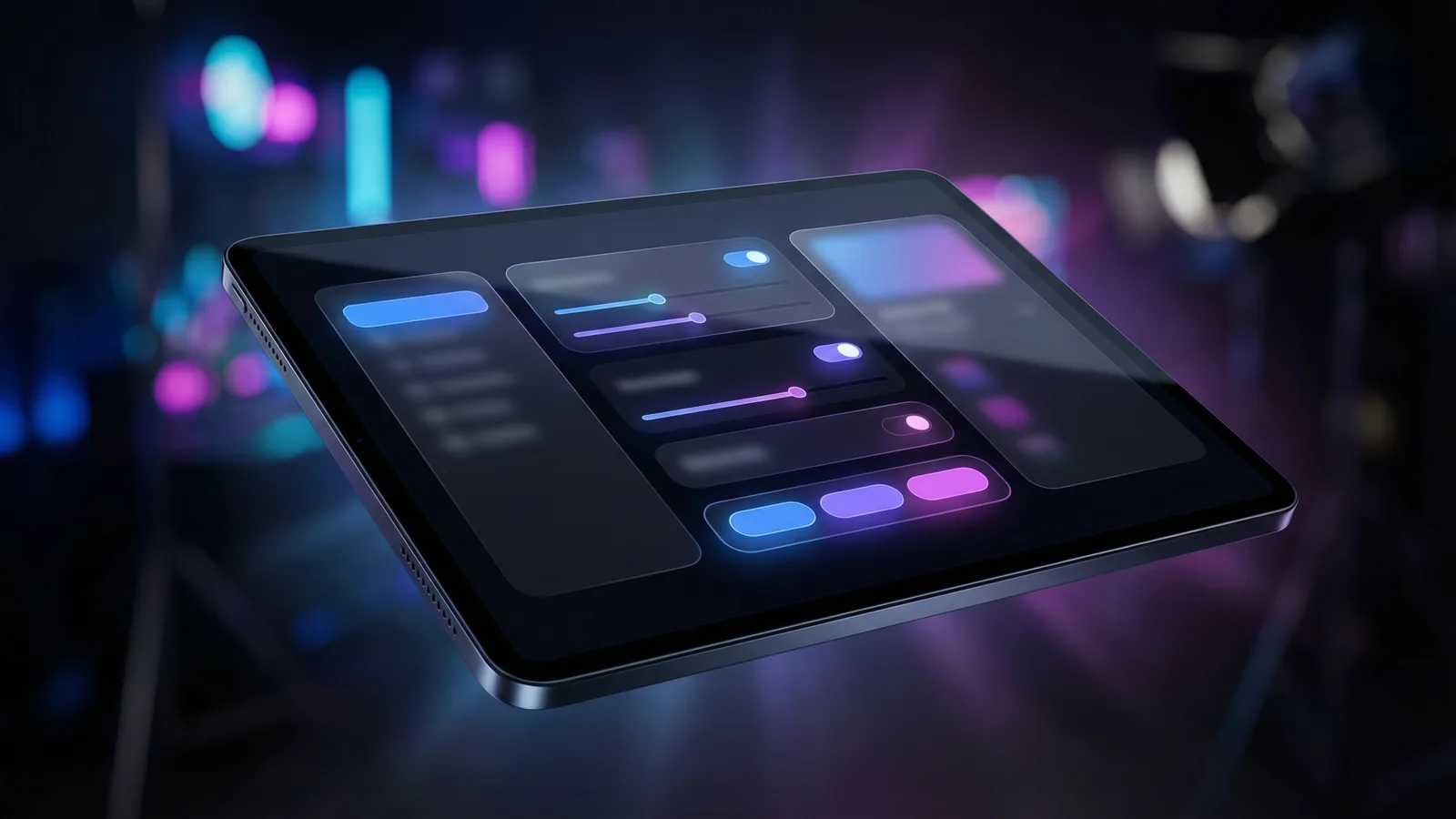
Image-to-video is strongest when the still image is already doing real work for the brand. These are the tasks where animating an existing asset is smarter than starting from a blank prompt.
The clearest use case is product marketing. Teams often already have approved product stills before they have motion assets, and image-to-video helps them extend those images into launch-ready motion drafts quickly.
It also works well for posters, covers, and campaign key visuals. Instead of commissioning a completely separate motion concept immediately, teams can use the best still image as the basis for motion exploration and compare which direction feels strongest.
For social and landing-page work, image-to-video is often the fastest path to reuse. One still image can become a teaser, a motion loop, a paid social asset, or a more dynamic hero treatment without abandoning the original visual system.
That is what makes the workflow practical. It helps teams get more value out of approved stills while keeping review focused on whether the motion adds clarity, emphasis, and polish.
Turn hero product stills into polished motion reveals for launch pages, ads, and product storytelling.

Animate campaign posters and key visuals to make static creative feel more premium without rebuilding the whole concept.

Reuse strong still assets across short-form surfaces without rebuilding the visual from zero.

Use one still frame as the starting point for a more cinematic teaser direction.
Turn approved still visuals into motion treatments that feel stronger in hero placements and page headers.
Spin one approved key visual into multiple motion variants for social, paid, and brand surfaces with less creative drift.
比較方式
Starting from an existing image gives you more visual control than text-only generation. Here is how image-to-video fits alongside other approaches.
替代方案 01
Image-to-video preserves the exact subject, composition, and color palette of your source frame. Text-to-video generates everything from scratch, which means more creative freedom but less visual consistency with existing brand assets.
Choose image-to-video when you already have a hero shot, product photo, or key visual and need it to move — keeping the original look intact.
替代方案 02
Traditional cinemagraph tools isolate small motion areas (flowing hair, rising steam) from a still photo. AI image-to-video generates full scene motion — camera movement, subject action, environment dynamics — from a single reference frame, enabling far richer visual storytelling.
Use image-to-video when you need more than subtle looping motion — when the entire scene should come alive.
替代方案 03
Manual keyframing gives pixel-level control but requires hours of skilled work per second of output. Image-to-video AI produces 5-10 seconds of natural motion in under a minute, making it the fastest path from static visual to moving content.
Best for rapid prototyping, social content pipelines, and scenarios where speed-to-publish outweighs frame-by-frame precision.
深度指南
Getting great results from image-to-video requires understanding what the AI sees in your source image and how to guide its motion interpretation.
The AI interprets your image to determine what should move and how. Images with a clearly defined subject — a person, product, or focal object — against a relatively uncluttered background produce the most predictable motion. Avoid busy collages or images where the "main subject" is ambiguous. If your image has multiple elements, the model may animate the wrong one or create conflicting motion paths.
適用時機
使用 Image to Video 時,本節建議可幫助您減少試誤、更快完成作品。
下一步
繼續閱讀下一節:Guide Motion with Your Prompt
Core capabilities
Image-to-video is most useful when teams already have still assets that are too valuable to throw away but too static to carry every placement on their own.
When your team already has images that are working, this page shortens the distance between approved stills and motion-ready video drafts.
Seedance stays in the default position because it gives a strong balance between motion stability, clarity, and practical output for asset-led workflows.
Starting from an approved still asset reduces ambiguity and makes it easier for teams to judge whether the motion is helping or hurting the original concept.
Image-to-video is the live asset-led workflow today, and it also creates the cleanest path toward future reference-to-video pages where consistency matters even more.
Go back to the wider /video page for the full category view, or switch to text-to-video when the idea is still living in a written brief instead of an existing image.
User feedback
These testimonials are written around the tasks that image-to-video is actually good at: product stills, posters, key visuals, and motion reuse.
“We already have approved product stills before we have motion assets. This page is useful because it helps us turn those stills into reviewable motion drafts without throwing away the original composition.”

Ecommerce Creative Team
Product still animation
“We use image-to-video when a static key visual is already strong and we want to test whether motion can make it perform better across more placements.”

Brand Campaign Team
Poster to motion
“The main win is asset reuse. One strong visual can become several moving versions, which makes paid testing much faster than building each concept from scratch.”

Paid Social Team
Asset reuse
“We already have approved product stills before we have motion assets. This page is useful because it helps us turn those stills into reviewable motion drafts without throwing away the original composition.”
Ecommerce Creative Team
Product still animation
“We use image-to-video when a static key visual is already strong and we want to test whether motion can make it perform better across more placements.”
Brand Campaign Team
Poster to motion
“The main win is asset reuse. One strong visual can become several moving versions, which makes paid testing much faster than building each concept from scratch.”
Paid Social Team
Asset reuse
“We already have approved product stills before we have motion assets. This page is useful because it helps us turn those stills into reviewable motion drafts without throwing away the original composition.”
Ecommerce Creative Team
Product still animation
“We use image-to-video when a static key visual is already strong and we want to test whether motion can make it perform better across more placements.”
Brand Campaign Team
Poster to motion
“The main win is asset reuse. One strong visual can become several moving versions, which makes paid testing much faster than building each concept from scratch.”
Paid Social Team
Asset reuse
“We already have approved product stills before we have motion assets. This page is useful because it helps us turn those stills into reviewable motion drafts without throwing away the original composition.”
Ecommerce Creative Team
Product still animation
“We use image-to-video when a static key visual is already strong and we want to test whether motion can make it perform better across more placements.”
Brand Campaign Team
Poster to motion
“The main win is asset reuse. One strong visual can become several moving versions, which makes paid testing much faster than building each concept from scratch.”
Paid Social Team
Asset reuse
“For landing pages and launch moments, we often already know which still image we trust. This workflow helps us animate that image instead of starting over in a prompt-led system.”

Creative Producer
Hero visual refinement
“Image-to-video is useful because it lowers drift. The still image keeps the subject and composition anchored, so feedback stays focused on the motion treatment itself.”

Studio Designer
Brand-safe motion
“We get more mileage out of approved visuals now. Instead of making a new concept for every motion test, we can branch from the still asset that already won internal approval.”

Growth Lead
Campaign iteration
“For landing pages and launch moments, we often already know which still image we trust. This workflow helps us animate that image instead of starting over in a prompt-led system.”
Creative Producer
Hero visual refinement
“Image-to-video is useful because it lowers drift. The still image keeps the subject and composition anchored, so feedback stays focused on the motion treatment itself.”
Studio Designer
Brand-safe motion
“We get more mileage out of approved visuals now. Instead of making a new concept for every motion test, we can branch from the still asset that already won internal approval.”
Growth Lead
Campaign iteration
“For landing pages and launch moments, we often already know which still image we trust. This workflow helps us animate that image instead of starting over in a prompt-led system.”
Creative Producer
Hero visual refinement
“Image-to-video is useful because it lowers drift. The still image keeps the subject and composition anchored, so feedback stays focused on the motion treatment itself.”
Studio Designer
Brand-safe motion
“We get more mileage out of approved visuals now. Instead of making a new concept for every motion test, we can branch from the still asset that already won internal approval.”
Growth Lead
Campaign iteration
“For landing pages and launch moments, we often already know which still image we trust. This workflow helps us animate that image instead of starting over in a prompt-led system.”
Creative Producer
Hero visual refinement
“Image-to-video is useful because it lowers drift. The still image keeps the subject and composition anchored, so feedback stays focused on the motion treatment itself.”
Studio Designer
Brand-safe motion
“We get more mileage out of approved visuals now. Instead of making a new concept for every motion test, we can branch from the still asset that already won internal approval.”
Growth Lead
Campaign iteration
免費開始,然後使用點數升級。每個方案皆支援按月或按年計費,且完全無浮水印。
適合穩定創作需求
$10
$15/月年付總價 $$120 · 約省 33%
創作者核心功能
適合團隊與高頻產出
$14.5
$29/月年付總價 $$174 · 約省 50%
包含 Lite 全部功能,另外
適合團隊與高頻產出
$124.5
$249/月年付總價 $$1494 · 約省 50%
包含 Pro 全部功能,另外
取消訂閱、帳單問題或方案調整,請聯絡支援信箱:support@bestvid.net