
HOT 🔥
Poster key visuals
Useful for comparing several poster directions directly from a theme and brief.
8.4k USESUse Template
Turn prompts, briefs, and visual ideas into reviewable image drafts that are actually useful in a real production workflow.
This page opens directly in a text-to-image workflow with Nano Banana 2 as the starting model. The goal is not flashy demo copy, but helping teams judge composition, style, subject, and direction faster.
Adult/NSFW content is strictly prohibited. Content Policy
Adult/NSFW content is strictly prohibited. Content Policy
Different AI image generator tasks call for different models. This section helps you choose the right engine for general image generation, product visuals, cover art, brand imagery, and higher-fidelity output.
If you need the most balanced default for a broad AI image generator page, Nano Banana 2 should come first. It works well for posters, thumbnails, product visuals, social graphics, and general prompt-led image creation.
Quality
89
Speed
90
Control
88
Value
91
A useful text-to-image page turns a prompt into an image direction that can actually be compared and discussed.
Specific subject, setting, and visual language matter far more than stacking vague adjectives.
Confirm that composition and style work first, then decide whether to change the ratio, raise fidelity, or rewrite the prompt.
Once the first image is clear enough, the team can decide whether to refine, add references, or move into another model.
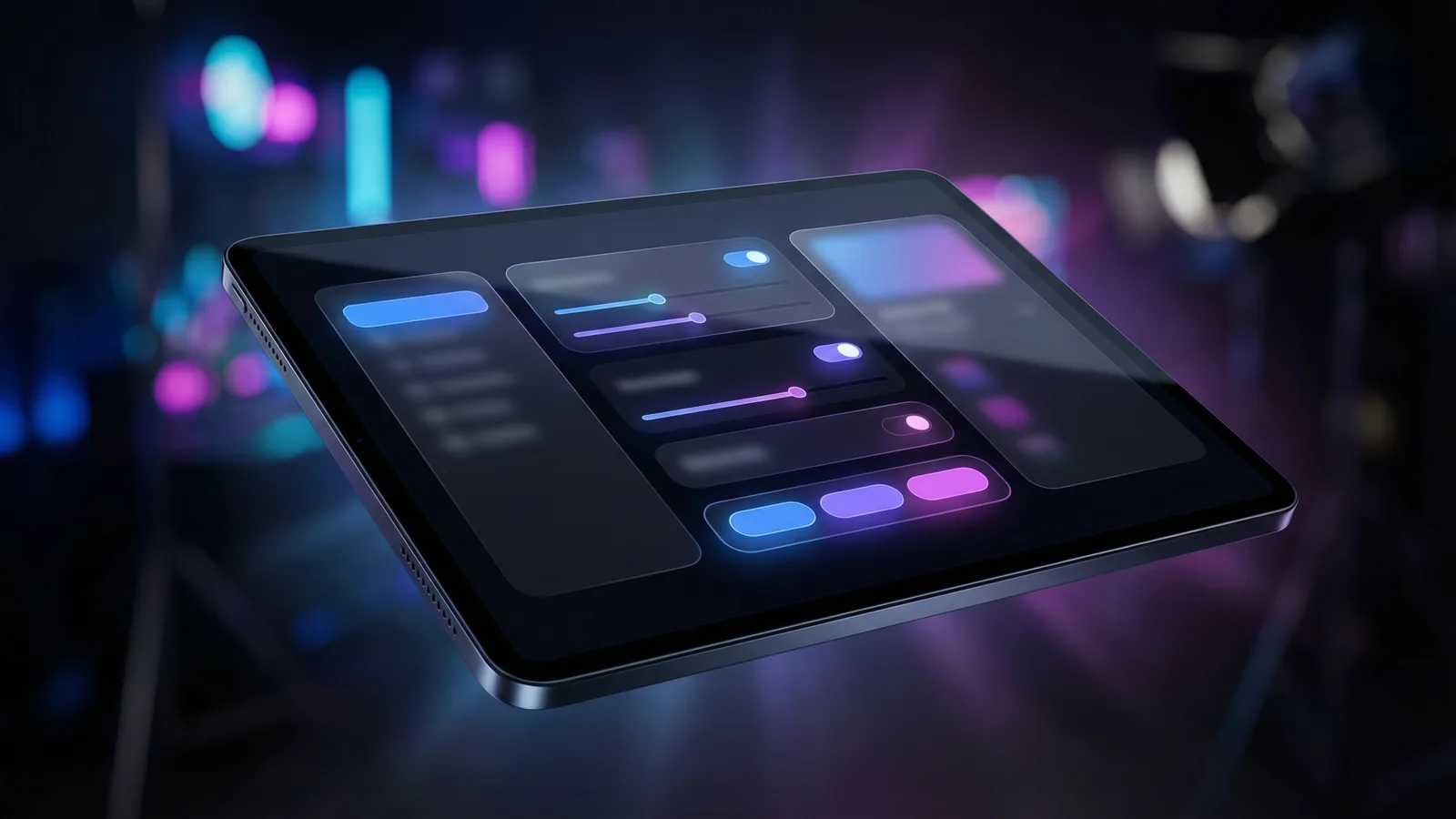
When the starting point is an idea, a prompt, or a brief instead of an approved reference image, text-to-image is the more natural path.
Posters and campaign visuals are one of the clearest fits. Teams often start with a theme, copy direction, and a visual idea, and they need to compare several possible image routes quickly without being anchored to an existing asset.
Product visuals and cover art also benefit from starting in text-to-image, especially when the team is still exploring the right framing, lens feel, and overall style.
For content and growth teams, social graphics and thumbnails are another high-frequency use case. The first job is often to validate direction and message clarity rather than to polish immediately.
So `/text-to-image` is really built for image work that starts from prompts first and decides the next path later. It does not replace every image page, but it should be the most direct entry point for prompt-first users.
Useful for comparing several poster directions directly from a theme and brief.

Useful when product imagery is still exploring framing, setting, and lens feel.

A stronger fit for covers and thumbnails that need to communicate style and subject quickly.

Useful for preparing multiple image directions for publishing and campaign distribution.
비교 방법
Starting from a text prompt gives you maximum creative flexibility. Here is how text-to-image compares with other approaches for different visual production needs.
대안 01
Stock photos are pre-shot and generic. Text-to-image creates exactly the scene, subject, and composition you describe — no compromising on "close enough." You also avoid per-image licensing fees and usage restrictions.
Choose text-to-image when you need specific brand scenes, product contexts, or visual concepts that stock libraries do not cover.
대안 02
Reference-guided generation preserves the look of an existing image. Text-to-image generates everything from scratch based on your description, which means more creative freedom but less visual consistency with existing assets.
Use text-to-image when you are exploring new visual directions without an existing reference. Switch to reference-guided when you have a hero shot or brand asset to build on.
대안 03
Professional design tools require source assets, layering skills, and significant production time. Text-to-image produces a reviewable first draft in seconds from a single prompt, compressing the ideation-to-review cycle dramatically.
Use text-to-image for rapid concept exploration and first drafts, then bring the best outputs into your design tool for final polish if needed.
상세 가이드
Prompt quality is the single largest lever for output quality. These principles apply across all image models available in BestVid.
The most common mistake in text-to-image prompting is writing abstract goals ("make it look professional") instead of concrete visual descriptions. Effective prompts describe what appears in the frame: subject position, lighting source, environment details, color palette, and camera angle. For example, "A minimalist product shot of a white ceramic mug on a marble countertop, soft directional light from the upper left, shallow depth of field" gives the model far more to work with than "nice product photo."
적용 시기
Text to Image 작업 시 이 조언을 적용하면 시행착오를 줄이고 더 빠르게 결과물을 완성할 수 있습니다.
다음 단계
다음 섹션으로 계속: Match Prompt Style to Model Strengths
Core capabilities
The job is not to vaguely say AI can generate images. It is to explain how prompt-first image work should actually be handled.
Fits image work that begins directly from concepts, briefs, or script-like descriptions.
Judge composition, subject, and style first before moving into heavier refinement.
A stronger default for broad first-pass image work across posters, product visuals, covers, and social graphics.
Once the first image exists, the workflow can naturally continue into the image channel, model pages, or image-to-video.
If you already know you need the broader image channel, a model page, or the next motion workflow, continue from here.
User feedback
These testimonials are written around real text-to-image jobs such as posters, product visuals, cover art, and social graphics.
“The biggest value is turning an abstract brief into a first image quickly enough that the team can compare directions seriously.”

Growth design team
Poster drafts
“When the key visual is not locked yet, this page is more natural than jumping straight into image editing.”

Ecommerce content team
Product image drafts
“We use this page to test prompts first and then decide which style deserves a more polished version.”

Content studio
Cover art
“The biggest value is turning an abstract brief into a first image quickly enough that the team can compare directions seriously.”
Growth design team
Poster drafts
“When the key visual is not locked yet, this page is more natural than jumping straight into image editing.”
Ecommerce content team
Product image drafts
“We use this page to test prompts first and then decide which style deserves a more polished version.”
Content studio
Cover art
“The biggest value is turning an abstract brief into a first image quickly enough that the team can compare directions seriously.”
Growth design team
Poster drafts
“When the key visual is not locked yet, this page is more natural than jumping straight into image editing.”
Ecommerce content team
Product image drafts
“We use this page to test prompts first and then decide which style deserves a more polished version.”
Content studio
Cover art
“The biggest value is turning an abstract brief into a first image quickly enough that the team can compare directions seriously.”
Growth design team
Poster drafts
“When the key visual is not locked yet, this page is more natural than jumping straight into image editing.”
Ecommerce content team
Product image drafts
“We use this page to test prompts first and then decide which style deserves a more polished version.”
Content studio
Cover art
“It is not a one-click final-art page. It is the page we use to eliminate the directions that are not worth continuing.”

Brand team
Campaign visuals
“For thumbnails, I care more about getting one strong first draft than making everything overly complex from the start.”

Independent creator
Thumbnails
“The page is helpful because it is direct: it opens in prompt-first mode immediately without making me explain the workflow to the UI first.”
Social team
Daily publishing graphics
“It is not a one-click final-art page. It is the page we use to eliminate the directions that are not worth continuing.”
Brand team
Campaign visuals
“For thumbnails, I care more about getting one strong first draft than making everything overly complex from the start.”
Independent creator
Thumbnails
“The page is helpful because it is direct: it opens in prompt-first mode immediately without making me explain the workflow to the UI first.”
Social team
Daily publishing graphics
“It is not a one-click final-art page. It is the page we use to eliminate the directions that are not worth continuing.”
Brand team
Campaign visuals
“For thumbnails, I care more about getting one strong first draft than making everything overly complex from the start.”
Independent creator
Thumbnails
“The page is helpful because it is direct: it opens in prompt-first mode immediately without making me explain the workflow to the UI first.”
Social team
Daily publishing graphics
“It is not a one-click final-art page. It is the page we use to eliminate the directions that are not worth continuing.”
Brand team
Campaign visuals
“For thumbnails, I care more about getting one strong first draft than making everything overly complex from the start.”
Independent creator
Thumbnails
“The page is helpful because it is direct: it opens in prompt-first mode immediately without making me explain the workflow to the UI first.”
Social team
Daily publishing graphics
무료로 시작한 후 크레딧으로 업그레이드하세요. 모든 플랜은 월간 또는 연간 청구로 워터마크 없음을 유지합니다.
일반 크리에이터를 위한
$10
$15/월연간 합계 $$120 · 약 33% 절약
크리에이터 핵심 기능
프로덕션 팀을 위한
$14.5
$29/월연간 합계 $$174 · 약 50% 절약
Lite 전체 기능 포함, 추가로
프로덕션 팀을 위한
$124.5
$249/월연간 합계 $$1494 · 약 50% 절약
Pro 전체 기능 포함, 추가로
해지, 결제 문의 또는 플랜 변경은 지원 이메일로 연락하세요: support@bestvid.net