The current default model on `/image`, making it the friendliest broad-entry image page
BestVid Nano Banana 2
A more balanced, broad-fit image-model page built as the strongest default for a public image channel.
This page does not pretend Nano Banana 2 is the official public model name from the underlying vendor. A more truthful framing is that Nano Banana 2 is the BestVid public page label for a faster, broader Gemini-style image workflow that supports both prompt-led generation and reference-guided edits.
Adult/NSFW content is strictly prohibited. Content Policy
Adult/NSFW content is strictly prohibited. Content Policy
비용: — 크레딧
Model overview
What Nano Banana 2 is and why it works as the default image-channel model
Inside BestVid, Nano Banana 2 has a very clear role: it is not a niche model page for one narrow aesthetic, but a broader, more balanced landing page that works as the public default for image generation.
Nano Banana 2
Nano Banana 2 is the more general-purpose image model page currently exposed in BestVid and the standalone landing version of the default model on `/image`. At the product layer, it is connected to a broader Gemini-style image workflow with prompt-led generation, reference-guided editing, 1K / 2K / 4K output, and a wide ratio range. It fits posters, product images, cover art, social graphics, and repeated high-frequency image ideation.
워크플로우
텍스트에서 이미지
기본 출력
1 image · 1:1 · 2K
최적의 용도
Posters and key visualsProduct and ecommerce imagesCover art and thumbnails
01
The value of that kind of page is not in calling a model “the strongest.” It is in whether the page can absorb the real high-frequency jobs people bring to it. Posters, product visuals, cover art, social graphics, campaign imagery, and general creative exploration all fit a more general default page like this.
02
The page also keeps the naming boundary clear. Nano Banana 2 is the current BestVid public route label for a faster, wider-coverage Gemini-style image workflow. The page keeps that product naming separate from the broader public capability context so it does not overpromise.
03
That is why the page defaults to 1:1, 2K, and one image. The goal is not instant final perfection. The goal is to surface composition, style, and direction quickly enough that the team can move into review and refinement.
Nano Banana 2Text-to-image defaultChannel default
Works for prompt-led generation and still supports reference-guided image creation and iteration
Supports 1K / 2K / 4K and a wider aspect-ratio range for posters, product visuals, covers, and social graphics
A better fit as a general image page for finding the direction first and refining afterward
Guide
Nano Banana 2 Best Practices
Master prompt techniques and parameter settings to get better results from Nano Banana 2.
사용 가이드
섹션 1
Prompt Tips
Start with core elements (subject, object, scene), then add style and lighting. Avoid stacking conflicting style keywords — keep prompts concise and focused.
적용 시기
Nano Banana 2 작업 시 이 조언을 적용하면 시행착오를 줄이고 더 빠르게 결과물을 완성할 수 있습니다.
다음 단계
다음 섹션으로 계속: Best Use Cases
Core capabilities
What matters most on this Nano Banana 2 page: broad coverage and real edit workflows
Its value is not an abstract label. It is whether the page works as the first stop for most image-generation jobs.
이미지 생성 기능
현재 초점
A better fit for general image jobs
Posters, product visuals, cover art, social graphics, and campaign imagery all fit this page well as a first-direction check.
Broad entry point
Wider job coverage
Stronger public default
해결 문제
시작 방법, 제어할 항목, 초기 이미지를 실용적인 방향으로 이동시키는 방법을 명확히 하도록 설계되었습니다.
이 레이아웃이 작동하는 이유
AI 이미지 생성기를 검색하는 대부분의 방문자는 먼저 실질적인 답변을 원합니다: 입력 유형, 기능 범위, 이미지 작업에 적합한지 여부.
How to use Nano Banana 2 to get to a reviewable first image faster
This page works best when the first goal is judging composition and style instead of overcommitting to heavy polish immediately.
01
Define the image job first: poster, product visual, cover art, or social graphic
The clearer the job is, the easier the first image is to judge. On a general page like this, use-case clarity matters more than decorative adjectives.
02
Use text-to-image first to surface the direction
If there is no approved visual yet, use prompts first to surface style, subject, and composition before deciding what deserves more editing.
03
If a key visual already exists, continue with reference-guided generation
Once a product image, poster, or brand key visual already exists, the same page can continue into edits and variants without a workflow reset.
04
Use the 2K single-image default first, then decide whether the direction deserves heavier output
It is usually smarter to validate the direction first and only then move into higher resolution or a more style-specialized image model.
bestvid.net/generate
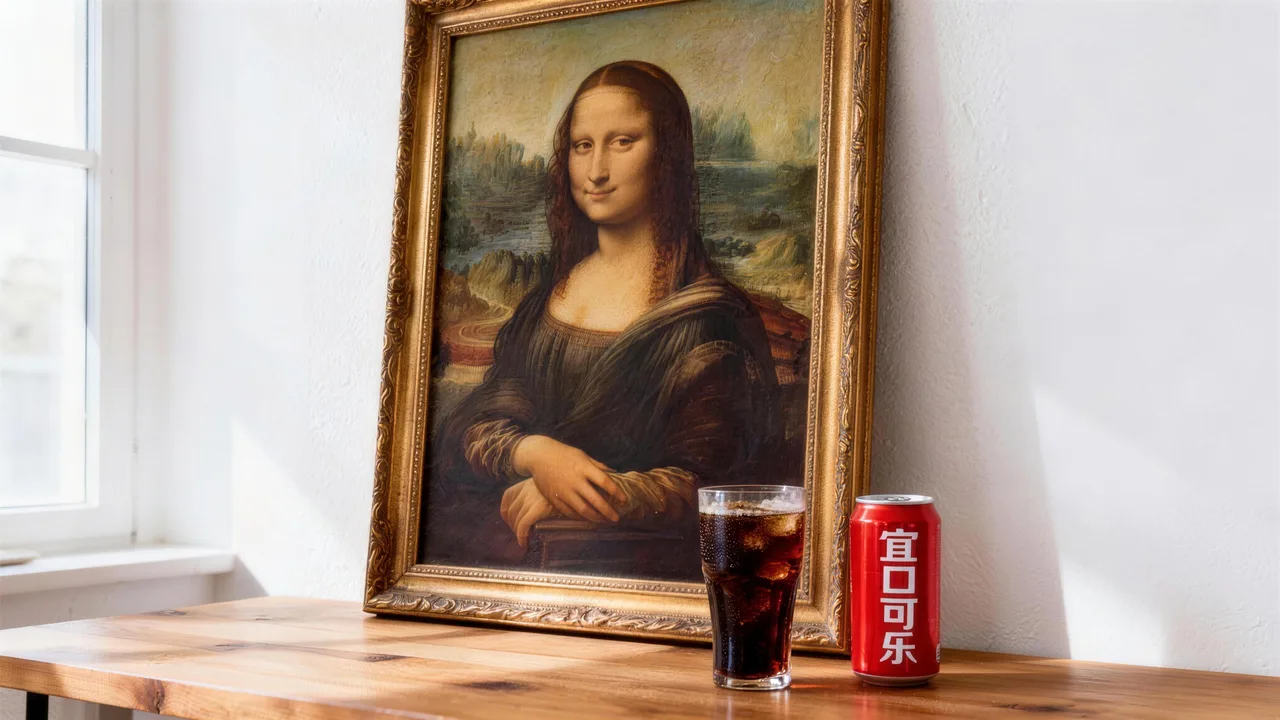
These image jobs fit Nano Banana 2 especially well
When the task needs a broader, safer, more general image-generation entry point, Nano Banana 2 is the better fit.
Poster work and campaign key visuals are the clearest fit. Teams need to compare different compositions and styles quickly without jumping into a narrower specialized page too early.
Product visuals, cover art, and social graphics also fit this page well because those tasks usually care more about speed, clarity, and repeatability than making one extremely stylized art image every time.
For growth and content teams, Nano Banana 2 is also a better fit for high-frequency ideation. You can start from prompts, then continue with references once a stronger direction appears without breaking the workflow.
So the page solves a practical problem: when you need a reliable public image entry point for posters, product visuals, cover art, editing, and other broad-intent image jobs, where should you start?

HOT 🔥
Posters and key visuals
Useful for quickly comparing multiple campaign-poster directions, compositions, and visual moods.
8.4k USESUse Template

NEW
Product and ecommerce images
A better fit for product images, packaging visuals, and ecommerce work that needs repeated variants.
1.2k USESUse Template

NEW
Cover art and thumbnails
Strong for channel covers, content thumbnails, and visuals that need to communicate quickly at a glance.
4.1k USESUse Template

NEW
Social graphics
Useful for high-frequency social graphics and multi-platform campaign variants.
4.1k USESUse Template
NEW
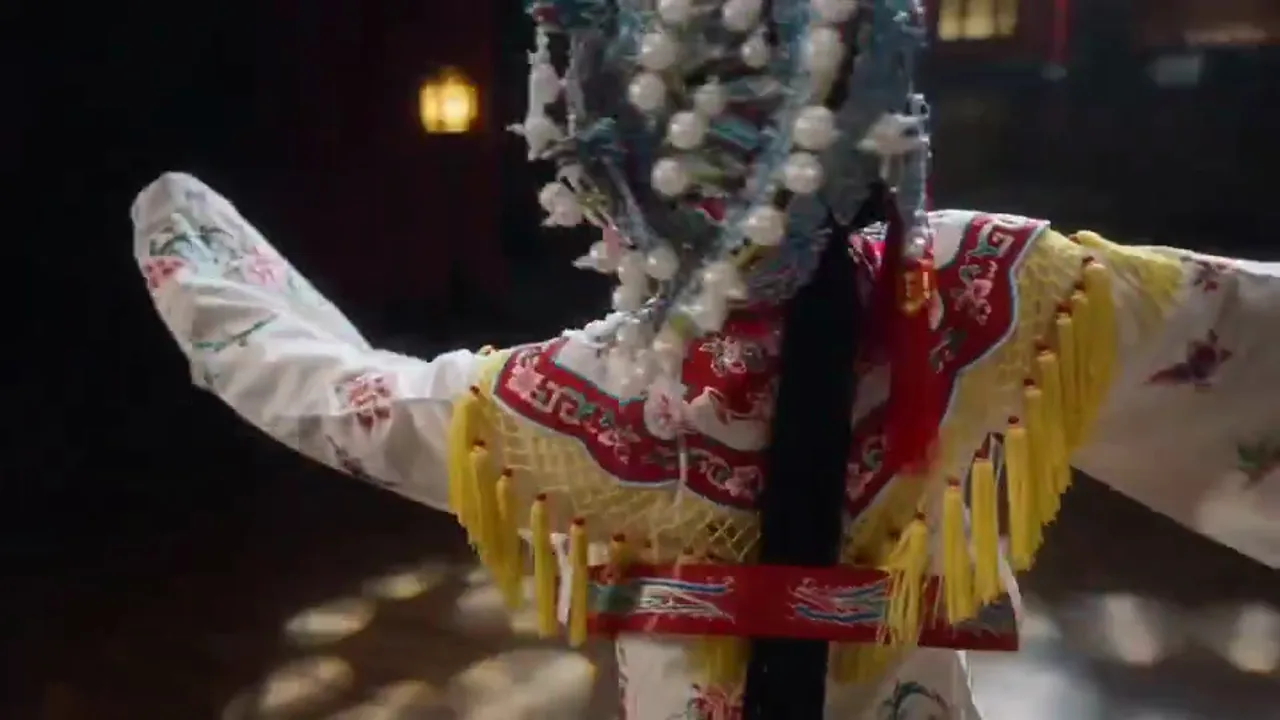
Reference-guided edits
Once a product still or key visual already exists, the same page works well for edits and variants.
4.1k USESUse Template
NEW
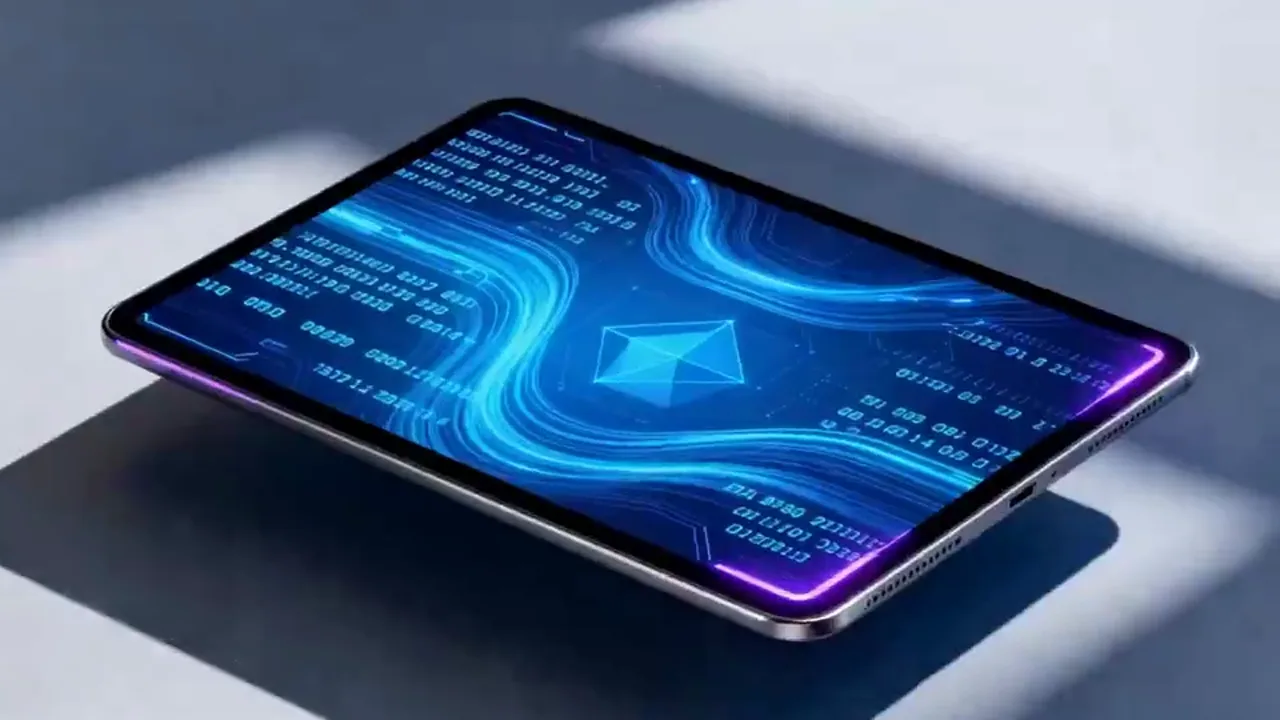
High-frequency ideation
Useful for generating several directions quickly before deciding which one deserves deeper refinement.
4.1k USESUse Template
Compare
Nano Banana 2 vs Other Image Solutions
Understand how Nano Banana 2 differs from alternatives in speed, quality, and use cases.
vs
대안 01
Nano Banana 2 vs Seedream 5.0
Nano Banana 2 is more versatile for everyday generation; Seedream 5.0 leans toward brand visuals and stylized expression.
Pick Nano Banana 2 for everyday content production; choose Seedream 5.0 for brand key visuals or cover design.
vs
대안 02
Nano Banana 2 vs Manual Photoshop Workflow
Nano Banana 2 goes from prompt to image in seconds; Photoshop requires asset sourcing and manual compositing.
For quick direction validation in the creative phase, Nano Banana 2 is far more efficient than traditional retouching workflows.
vs
대안 03
Nano Banana 2 vs Nano Banana
Nano Banana 2 has noticeably better detail consistency and subject stability as a direct upgrade from Nano Banana.
When the task needs steadier default quality rather than fastest drafting, prefer Nano Banana 2.
User feedback
Feedback written around broad image-generation work
These testimonials focus on whether it helps teams get to the first usable image faster instead of turning the page into abstract model mythology.
“We use it most to pull several ad-image directions quickly because it is fast without locking the workflow into one narrow style.”

Growth design team
Paid social graphics
“It works very well as the first stop for product imagery because we can judge composition and visual direction before investing more polish.”

Ecommerce brand team
Product visual drafts
“We use it most to pull several ad-image directions quickly because it is fast without locking the workflow into one narrow style.”
Growth design team
Paid social graphics
“It works very well as the first stop for product imagery because we can judge composition and visual direction before investing more polish.”
Ecommerce brand team
Product visual drafts
“We use it most to pull several ad-image directions quickly because it is fast without locking the workflow into one narrow style.”
Growth design team
Paid social graphics
“It works very well as the first stop for product imagery because we can judge composition and visual direction before investing more polish.”
Ecommerce brand team
Product visual drafts
“We use it most to pull several ad-image directions quickly because it is fast without locking the workflow into one narrow style.”
Growth design team
Paid social graphics
“It works very well as the first stop for product imagery because we can judge composition and visual direction before investing more polish.”
Ecommerce brand team
Product visual drafts
“What I like most is how direct it feels: I can enter a prompt and get to a strong first draft quickly.”

Independent creator
Cover art
“Once we already have a key visual and need multiple extensions, this page stays useful because the reference-image workflow carries through cleanly.”

Content studio
High-frequency publishing
“What I like most is how direct it feels: I can enter a prompt and get to a strong first draft quickly.”
Independent creator
Cover art
“Once we already have a key visual and need multiple extensions, this page stays useful because the reference-image workflow carries through cleanly.”
Content studio
High-frequency publishing
“What I like most is how direct it feels: I can enter a prompt and get to a strong first draft quickly.”
Independent creator
Cover art
“Once we already have a key visual and need multiple extensions, this page stays useful because the reference-image workflow carries through cleanly.”
Content studio
High-frequency publishing
“What I like most is how direct it feels: I can enter a prompt and get to a strong first draft quickly.”
Independent creator
Cover art
“Once we already have a key visual and need multiple extensions, this page stays useful because the reference-image workflow carries through cleanly.”
Content studio
High-frequency publishing
출력량에 따라 확장되는 유연한 가격 책정
무료로 시작한 후 크레딧으로 업그레이드하세요. 모든 플랜은 월간 또는 연간 청구로 워터마크 없음을 유지합니다.
Starter
일반 크리에이터를 위한
$10
$15/월연간 합계 $$120 · 약 33% 절약
월간 크레딧600
30일 유효
Cost per 100 credits
$1.67크리에이터 핵심 기능
- 핵심 동영상 및 이미지 생성 워크플로우
- 더 높은 대기열 우선순위
- 상업적 사용 라이선스
- HD 내보내기 워크플로우
- 프롬프트 강화 도구
- 재사용 가능한 크리에이터 프리셋
- AI 동영상 향상기
- AI 동영상 배경 제거
- Seedream 모델
- AI 동영상 생성 지원
- Seedance 모델
- Veo 3 모델
- Sora 2 모델
- Wan 2.5 모델
- 워터마크 없음
- 이메일 지원
Premium
프로덕션 팀을 위한
가장 인기최대 50% 절약
$14.5
$29/월연간 합계 $$174 · 약 50% 절약
월간 크레딧1,500
30일 유효
Cost per 100 credits
$0.97Lite 전체 기능 포함, 추가로
- Lite 전체 기능 포함
- 최고 대기열 우선순위
- 상업적 사용 라이선스
- 팀 협업 프리셋
- 대량 프로덕션 스케일링
- 멀티 모델 크리에이티브 워크플로우
- 우선 고객 지원
- 고급 프롬프트 제어
- 브랜드 안전 상업 프로덕션
- 장기 프로덕션 사용에 적합
- 우선 생성 대기열
- Seedance 2.0 모델
- Seedream 모델
- AI 동영상 향상기
- AI 동영상 배경 제거
- Veo 3 모델
- Sora 2 모델
- Seedance 모델
- Wan 2.5 모델
- 워터마크 없음
Advanced
프로덕션 팀을 위한
$124.5
$249/월연간 합계 $$1494 · 약 50% 절약
월간 크레딧18,000
30일 유효
Cost per 100 credits
$0.69Pro 전체 기능 포함, 추가로
- Lite 전체 기능 포함
- 최고 대기열 우선순위
- 상업적 사용 라이선스
- 팀 협업 프리셋
- 대량 프로덕션 스케일링
- 멀티 모델 크리에이티브 워크플로우
- 우선 고객 지원
- 고급 프롬프트 제어
- 브랜드 안전 상업 프로덕션
- 장기 프로덕션 사용에 적합
- 우선 생성 대기열
- Seedance 2.0 모델
- Seedream 모델
- AI 동영상 향상기
- AI 동영상 배경 제거
- Veo 3 모델
- Sora 2 모델
- Seedance 모델
- Wan 2.5 모델
- 워터마크 없음
- 더 높은 월간 크레딧 한도
- 전담 계정 지원
- 새 모델 우선 접근
해지, 결제 문의 또는 플랜 변경은 지원 이메일로 연락하세요: support@bestvid.net
Nano Banana 2 FAQ
Is Nano Banana 2 the original official vendor model name?
No. Nano Banana 2 is the current public page label inside BestVid for a faster, broader Gemini-style image workflow. The page keeps that product naming separate from the broader public capability context.
Why does the page default to text-to-image?
Because the first job of the page is to generate the first image for broad-intent tasks. Most users start with a brief or an idea, so text-to-image is the more natural default.
Does the current page support reference-guided image edits?
Yes. The live workflow can start from prompts and also continue into variants and edits when a product visual, key art, or other reference image already exists.
What kinds of jobs fit Nano Banana 2 best?
It fits posters, product visuals, cover art, social graphics, campaign imagery, and high-frequency creative ideation as a safer general image entry point.
Why does the page default to 1:1, 2K, and one image?
Because the page is built to judge composition and direction first. A 1:1 2K default is already clear enough for most image tasks, and a single image keeps early review simpler.