
HOT 🔥
Poster key visuals
Generate campaign posters, launch visuals, and landing-page hero art more quickly.
8.4k USESUse Template
Generate images from text prompts or reference images for posters, product visuals, social graphics, and brand content.
BestVid combines text-led image generation and reference-guided image generation in one workspace so teams can move faster from idea to a usable visual draft.
Adult/NSFW content is strictly prohibited. Content Policy
Adult/NSFW content is strictly prohibited. Content Policy
Different AI image generator tasks call for different models. This section helps you choose the right engine for general image generation, product visuals, cover art, brand imagery, and higher-fidelity output.
If you need the most balanced default for a broad AI image generator page, Nano Banana 2 should come first. It works well for posters, thumbnails, product visuals, social graphics, and general prompt-led image creation.
Quality
89
Speed
90
Control
88
Value
91
A useful AI image generator page should make the first decision simple: start from a prompt or start from a reference image, then move quickly into a high-resolution visual draft.
If you only have a concept or campaign angle, start from text. If you already have a source image, use it as the visual anchor so results stay more grounded.
Prompt quality matters. Subject details, lighting, composition, camera framing, color mood, and where the image will be used all affect whether the first result feels usable.
The goal is not instant perfection. The goal is to give the team something visual enough to compare, edit, and refine instead of staying in abstract discussion.
Once the first result is visible, it becomes easier to swap models, tighten prompts, reuse references, and move toward a more polished output.
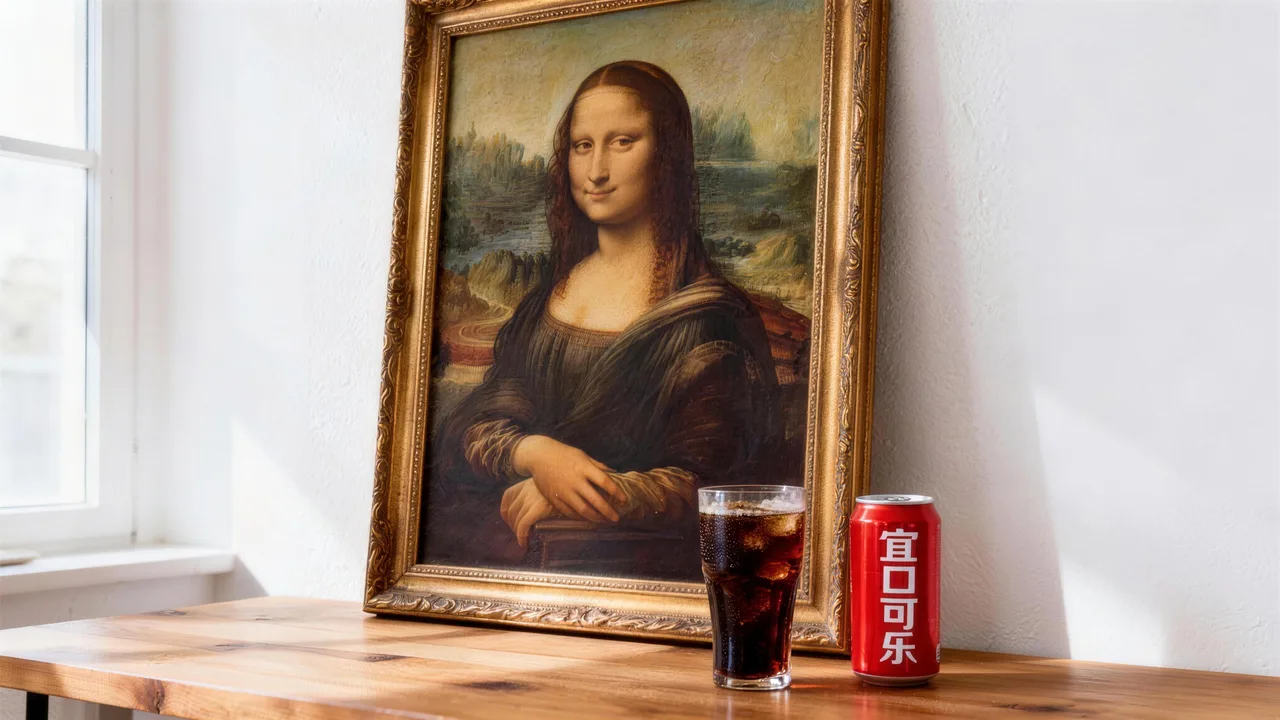
A useful AI image generator page should help users connect model capability with real image work, not just abstract prompts.
Growth and content teams often use an AI image generator to create posters, thumbnails, social graphics, and campaign variations faster. The practical value is not just visual novelty. It is the ability to move through multiple directions before a team commits to one.
Ecommerce and product teams usually care about a different workflow. They already have products, key art, or source photography, but need new image variants for campaigns, collections, and seasonal promotion. In those cases, reference-guided generation becomes especially useful.
Brand teams and independent creators often use an AI image generator to shape an initial visual direction before deeper design polish happens. That is why the first draft matters so much: it helps a team react to something concrete instead of talking in vague adjectives.
So the point of `/image` is not to promise one-click perfection. It is to give users a practical image generation entry point, then explain which models, workflows, and use cases matter once they start using it seriously.
Generate campaign posters, launch visuals, and landing-page hero art more quickly.

Create cleaner product imagery, packshots, and styled brand visuals for ecommerce and ads.

Generate covers, thumbnails, and social previews that need to communicate faster at a glance.

Use image generation to test color mood, composition, and visual language before deeper design execution.
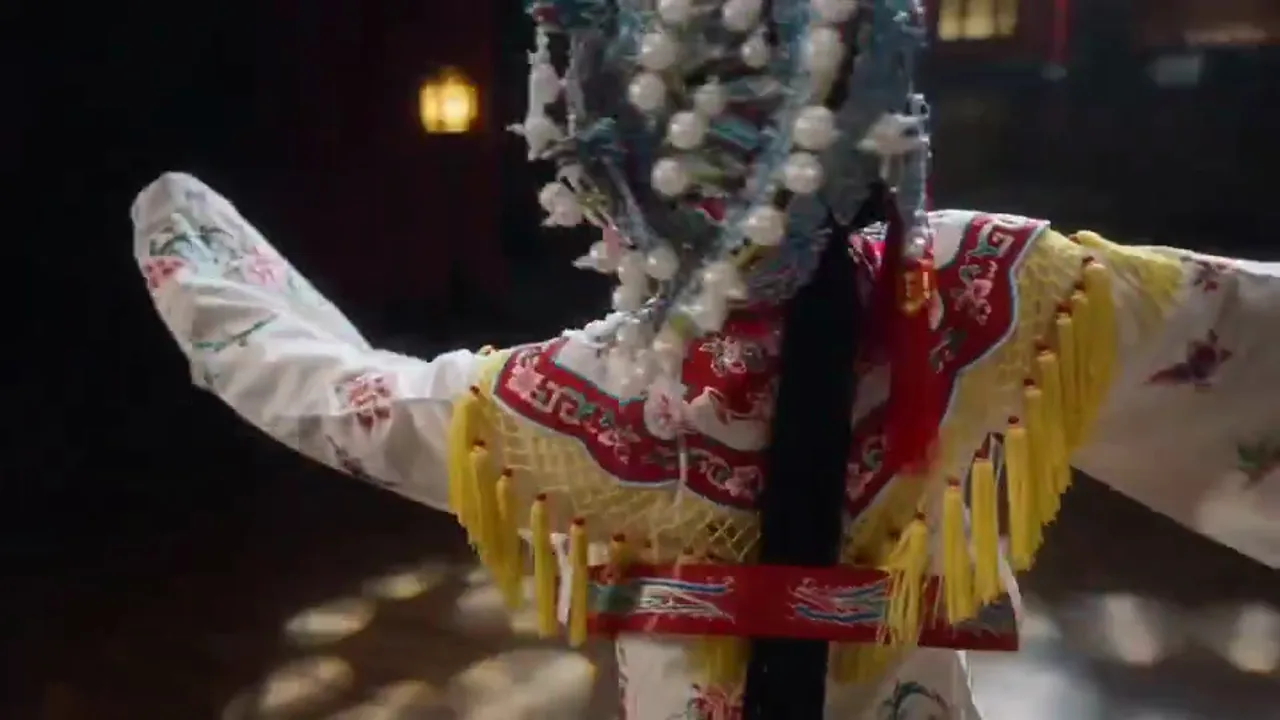
Create repeated image variations for social media and content distribution faster.

Start from an existing image and generate new versions while keeping more of the original direction intact.
비교 방법
AI image generation accelerates the visual creation pipeline. Here is how it compares with conventional approaches for different creative needs.
대안 01
Stock photos are pre-shot and generic. AI image generation creates exactly the scene, subject, and composition you describe — no compromising on "close enough." You also avoid per-image licensing fees and usage restrictions.
Choose AI generation when you need specific brand scenes, product contexts, or visual concepts that stock libraries do not cover.
대안 02
Design tools arrange existing elements — photos, icons, text. AI image generation creates original visual content: photorealistic product shots, illustrated scenes, concept art. It is creation, not arrangement.
Use AI generation for the visual assets themselves; use design tools to compose those assets into final layouts.
대안 03
Professional creatives produce the highest quality work but require days-to-weeks turnaround and significant budget. AI generation produces a first visual draft in seconds, making it ideal for rapid exploration and high-volume visual content needs.
Best for early-stage concept exploration, social media visuals, and projects where time-to-publish is the primary constraint.
상세 가이드
Image quality depends on prompt technique, model choice, and output settings. These practices apply across all models in BestVid.
Abstract prompts like "innovation" or "growth" produce generic results. Instead, describe what the viewer should see: "A glass skyscraper reflecting sunrise light, shot from below at a 15-degree angle, warm orange and gold palette." Specificity drives quality. Include the subject, the environment, the lighting, and the camera perspective. The more visual detail you provide, the less the model has to guess.
적용 시기
AI Image Generator 작업 시 이 조언을 적용하면 시행착오를 줄이고 더 빠르게 결과물을 완성할 수 있습니다.
다음 단계
다음 섹션으로 계속: Choose Resolution and Aspect Ratio First
Capabilities
An AI image generator is not just a prompt box. It is a combination of starting modes, model choices, output settings, and iteration paths that help teams reach better visuals faster.
When the starting point is still a concept, text-led image generation helps turn abstract direction into visible image options quickly.
When a team already has a source image, reference-guided generation makes it easier to preserve composition, product logic, or brand direction while still generating something new.
An image generator becomes more useful when the first draft is already sized for real use, whether that means square social visuals, portrait covers, or wider brand layouts.
Most image work is not one-shot. The real value comes from generating a first direction, then improving it with better prompts, references, and model choices.
If your task is already moving from still images into motion or broader video workflows, continue into the adjacent pages below.
User feedback
These are written around the kinds of image generation work people actually bring to an AI image generator page: posters, product visuals, cover art, social graphics, and reference-guided image iterations.
“We use the page to generate first-pass product visuals before deciding which ones deserve more design polish. That alone speeds up internal review a lot.”

Ecommerce creative team
Product launch imagery
“The biggest gain is not one perfect image. It is getting multiple usable directions quickly enough to compare before the campaign goes live.”

Growth design team
Paid social graphics
“For us this works best as a visual direction tool. We use it to test composition and mood first, then decide which route deserves heavier execution.”

Brand studio
Cover art and moodboards
“We use the page to generate first-pass product visuals before deciding which ones deserve more design polish. That alone speeds up internal review a lot.”
Ecommerce creative team
Product launch imagery
“The biggest gain is not one perfect image. It is getting multiple usable directions quickly enough to compare before the campaign goes live.”
Growth design team
Paid social graphics
“For us this works best as a visual direction tool. We use it to test composition and mood first, then decide which route deserves heavier execution.”
Brand studio
Cover art and moodboards
“We use the page to generate first-pass product visuals before deciding which ones deserve more design polish. That alone speeds up internal review a lot.”
Ecommerce creative team
Product launch imagery
“The biggest gain is not one perfect image. It is getting multiple usable directions quickly enough to compare before the campaign goes live.”
Growth design team
Paid social graphics
“For us this works best as a visual direction tool. We use it to test composition and mood first, then decide which route deserves heavier execution.”
Brand studio
Cover art and moodboards
“We use the page to generate first-pass product visuals before deciding which ones deserve more design polish. That alone speeds up internal review a lot.”
Ecommerce creative team
Product launch imagery
“The biggest gain is not one perfect image. It is getting multiple usable directions quickly enough to compare before the campaign goes live.”
Growth design team
Paid social graphics
“For us this works best as a visual direction tool. We use it to test composition and mood first, then decide which route deserves heavier execution.”
Brand studio
Cover art and moodboards
“I mostly use it for thumbnails and cover images. Getting to a stronger first draft quickly matters more than polishing from scratch every time.”

Independent creator
Channel thumbnails
“Reference-guided generation is especially helpful when we already have a source asset and need multiple campaign versions without losing the original direction.”

Marketplace team
Seasonal campaign assets
“The page feels useful because it is built around actual output needs, not abstract AI art language. That makes it easier to use in real publishing work.”
Content studio
High-frequency publishing
“I mostly use it for thumbnails and cover images. Getting to a stronger first draft quickly matters more than polishing from scratch every time.”
Independent creator
Channel thumbnails
“Reference-guided generation is especially helpful when we already have a source asset and need multiple campaign versions without losing the original direction.”
Marketplace team
Seasonal campaign assets
“The page feels useful because it is built around actual output needs, not abstract AI art language. That makes it easier to use in real publishing work.”
Content studio
High-frequency publishing
“I mostly use it for thumbnails and cover images. Getting to a stronger first draft quickly matters more than polishing from scratch every time.”
Independent creator
Channel thumbnails
“Reference-guided generation is especially helpful when we already have a source asset and need multiple campaign versions without losing the original direction.”
Marketplace team
Seasonal campaign assets
“The page feels useful because it is built around actual output needs, not abstract AI art language. That makes it easier to use in real publishing work.”
Content studio
High-frequency publishing
“I mostly use it for thumbnails and cover images. Getting to a stronger first draft quickly matters more than polishing from scratch every time.”
Independent creator
Channel thumbnails
“Reference-guided generation is especially helpful when we already have a source asset and need multiple campaign versions without losing the original direction.”
Marketplace team
Seasonal campaign assets
“The page feels useful because it is built around actual output needs, not abstract AI art language. That makes it easier to use in real publishing work.”
Content studio
High-frequency publishing
무료로 시작한 후 크레딧으로 업그레이드하세요. 모든 플랜은 월간 또는 연간 청구로 워터마크 없음을 유지합니다.
일반 크리에이터를 위한
$10
$15/월연간 합계 $$120 · 약 33% 절약
크리에이터 핵심 기능
프로덕션 팀을 위한
$14.5
$29/월연간 합계 $$174 · 약 50% 절약
Lite 전체 기능 포함, 추가로
프로덕션 팀을 위한
$124.5
$249/월연간 합계 $$1494 · 약 50% 절약
Pro 전체 기능 포함, 추가로
해지, 결제 문의 또는 플랜 변경은 지원 이메일로 연락하세요: support@bestvid.net