
HOT 🔥
Short-form ad creative
Generate campaign variations quickly for TikTok, Reels, and paid social without rebuilding the workflow every time.
8.4k USESUse Template
Create videos from text prompts or images for marketing, social media, brand content, and creative drafts.
BestVid supports text-to-video and image-to-video in one workspace so teams can move faster from idea to a reviewable first draft.
Adult/NSFW content is strictly prohibited. Content Policy
Adult/NSFW content is strictly prohibited. Content Policy
Different AI video generator tasks call for different models. This section is designed to help you choose the right engine for marketing videos, brand clips, product visuals, and early creative drafts.
If you need the safest default inside an AI video generator, Seedance is the strongest starting point. It fits text-to-video, image-to-video, product videos, brand clips, and iterative first-draft workflows where stable motion matters.
Quality
94
Speed
86
Control
88
Value
82
A useful AI video generator page should not just point to buttons. It should make the starting choice, first-draft criteria, and next-step refinement path much clearer.
If you only have an idea, script, or short brief, start with text-to-video. If you already have a product shot, poster, or approved visual, start with image-to-video so the visual anchor stays clearer from the first run.
The better the prompt or input context, the easier it is to judge the result. Scene direction, camera motion, pacing, tone, and aspect ratio all shape whether the first draft feels close to the channel you want to publish on.
The goal is not instant perfection. The goal is to produce something a team can actually react to: a clearer hook, a better product moment, a stronger visual tone, or a version worth pushing into another round.
Once you can see the draft, it becomes easier to tighten prompts, swap inputs, and adjust direction. That is where an AI video generator becomes operationally useful instead of just visually interesting.
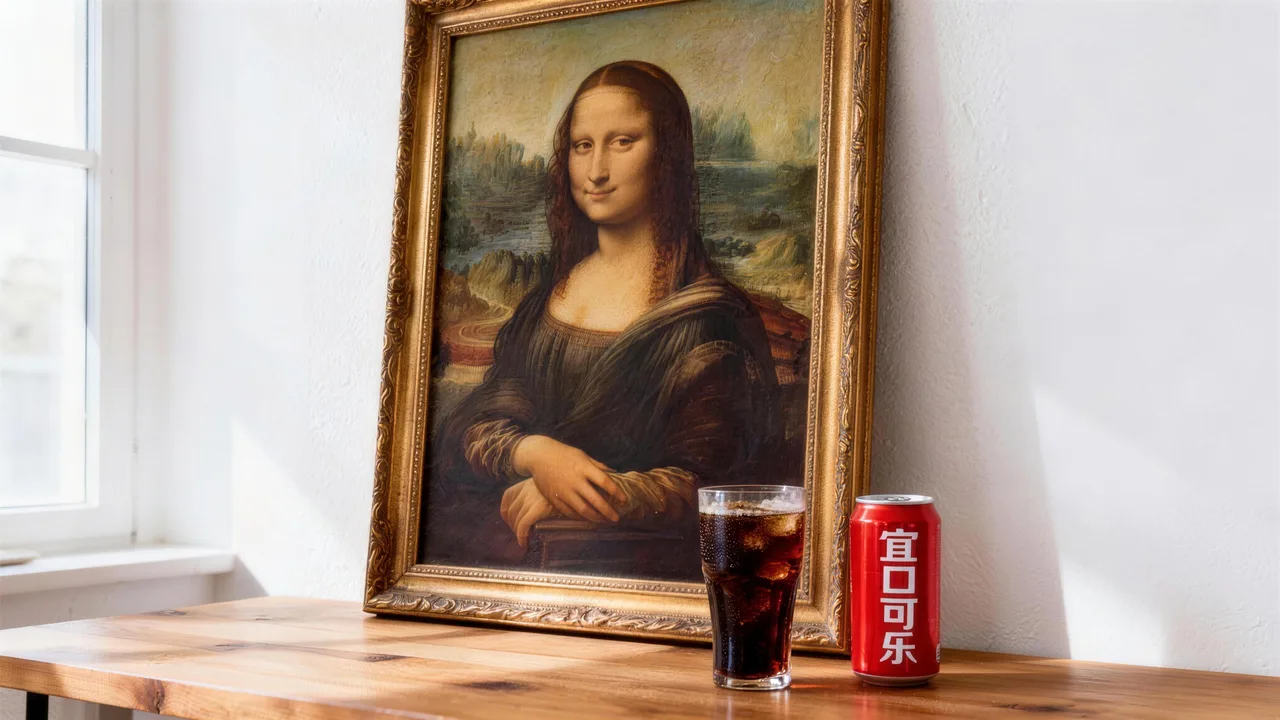
A useful AI video generator page should show where the tool helps in real work. Some teams need prompt-led ideation, some need to animate existing assets, and some need a faster way to make creative discussion more concrete.
Marketing and growth teams often use an AI video generator to test hooks, product framing, and short-form ad direction before pushing a concept deeper into production. The benefit is not just speed. It is the ability to compare directions earlier, while the cost of changing course is still low.
Brand and creative teams often need something slightly different. They may already have a visual system, a moodboard, or approved key art, but still need motion for teasers, launch pages, and social cuts. In those cases image-to-video is usually the more practical route because it starts from assets the team already trusts.
Independent creators and smaller studios tend to value a different part of the workflow. They need a way to validate an idea before planning a shoot, hiring editors, or spending time on a heavier production process. A fast draft helps them decide what deserves more effort.
That is why the /video page should speak to both broad intent and clearer task intent. It needs to explain what an AI video generator can do at a high level, while also helping people move into the more specific text-to-video and image-to-video pages when their need is already clear.
Generate campaign variations quickly for TikTok, Reels, and paid social without rebuilding the workflow every time.

Turn a product concept into a cinematic proof-of-direction before handing it off to the wider creative team.

Use tighter prompting and faster visual iteration to produce human-friendly motion drafts for growth loops.

Test framing, pacing, and model behavior before committing to a more expensive production pass.
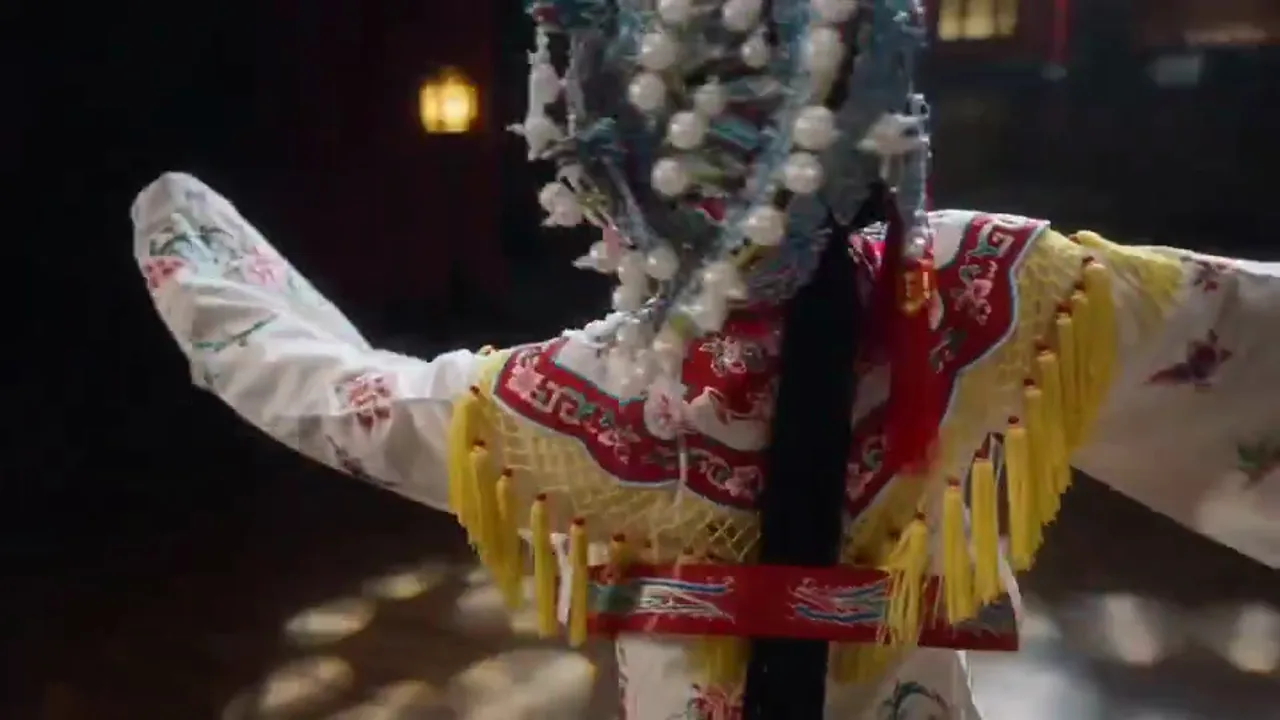
Turn a proposal direction or visual concept into a video draft early so teams can compare ideas before heavier production starts.

Extend product photos, key visuals, and image libraries into motion so existing assets keep working across new video output.
Como se compara
AI video generation is a new category. Here is how it compares to established workflows — and where it fits best.
Alternativa 01
A freelancer produces high-quality footage but requires scheduling, location access, and a multi-day turnaround. AI video generation delivers a reviewable draft in under 60 seconds from a text prompt, making it ideal for rapid ideation and high-volume content needs.
Best for first drafts, concept validation, and social content where speed matters more than cinematic perfection.
Alternativa 02
Template tools assemble pre-made clips and text overlays. AI video generation creates original visual content from scratch — unique scenes, custom subjects, specific brand environments — without being limited to a template library.
Choose AI video generation when templates cannot capture your specific creative vision or product context.
Alternativa 03
Screen recordings work for tutorials and demos but feel static and impersonal. AI-generated video adds visual storytelling — animated product scenes, atmospheric brand clips, engaging social hooks — that screen recordings cannot provide.
Use AI video for marketing-facing content; keep screen recordings for technical documentation and support material.
Guia detalhado
Whether you are new to AI video or switching from another tool, these fundamentals will help you produce better results faster.
The most productive users start with a specific deliverable in mind: "I need a 9:16 product reveal clip for Instagram Reels" or "I need a 16:9 hero video for my landing page." This clarity determines which model to choose, what aspect ratio to set, and how to write your prompt. Users who start by exploring features without a goal often generate impressive-looking clips that do not fit any actual publishing context.
Quando aplicar
Aplique isso ao trabalhar com AI Video Generator para reduzir tentativa e erro e alcançar um resultado mais rápido.
Próxima etapa
Continuar para a próxima seção: Understand the Two Starting Points
Capabilities
An AI video generator is not just a button. It is a practical mix of input choices, publishing defaults, and iteration paths. For most teams, the useful question is simple: can this page help me get to a better first version faster?
When the starting point is a prompt, a script, a message, or a campaign brief, text-to-video helps turn abstract thinking into a visible first version. It is a practical way to test angle, tone, and pacing before investing more time in full production.
When you already have still assets, image-to-video is often the more direct path. It keeps the main visual anchor in place while giving teams a quicker way to turn product shots, posters, and key visuals into motion-ready drafts.
An AI video generator becomes more useful when the draft already respects how teams publish. Aspect ratio, duration, and base output settings should help the first run feel closer to real social, marketing, and brand distribution needs.
Most teams do not need one perfect generation. They need a usable first version, then a faster way to improve it. That is where an AI video generator earns its place in a real workflow: the first draft gives the team something specific to refine.
If your workflow is already clear, move directly into the more specific text-to-video or image-to-video pages.
User feedback
These are not generic homepage testimonials. They are written around the kinds of work people actually bring to an AI video generator page: prompt-led drafts, image-led motion, product demos, review-ready first cuts, and early creative validation.
“We usually start from one approved product still, turn it into a few image-to-video drafts, and compare which opening motion feels strongest before we spend time on a larger campaign edit.”

DTC skincare content team
New product ad drafts
“Before this, launch videos were usually the last thing to get made. Now we can test messaging, framing, and pacing with text-to-video first, so internal reviews are based on something visual instead of a loose brief.”

SaaS growth marketing team
Launch video concepts
“Image-to-video is the most useful part for us because we already have product photography. It gives us a faster way to expand those assets into motion without rebuilding the whole visual direction from zero.”

Home goods brand visual team
Product storytelling
“We usually start from one approved product still, turn it into a few image-to-video drafts, and compare which opening motion feels strongest before we spend time on a larger campaign edit.”
DTC skincare content team
New product ad drafts
“Before this, launch videos were usually the last thing to get made. Now we can test messaging, framing, and pacing with text-to-video first, so internal reviews are based on something visual instead of a loose brief.”
SaaS growth marketing team
Launch video concepts
“Image-to-video is the most useful part for us because we already have product photography. It gives us a faster way to expand those assets into motion without rebuilding the whole visual direction from zero.”
Home goods brand visual team
Product storytelling
“We usually start from one approved product still, turn it into a few image-to-video drafts, and compare which opening motion feels strongest before we spend time on a larger campaign edit.”
DTC skincare content team
New product ad drafts
“Before this, launch videos were usually the last thing to get made. Now we can test messaging, framing, and pacing with text-to-video first, so internal reviews are based on something visual instead of a loose brief.”
SaaS growth marketing team
Launch video concepts
“Image-to-video is the most useful part for us because we already have product photography. It gives us a faster way to expand those assets into motion without rebuilding the whole visual direction from zero.”
Home goods brand visual team
Product storytelling
“We usually start from one approved product still, turn it into a few image-to-video drafts, and compare which opening motion feels strongest before we spend time on a larger campaign edit.”
DTC skincare content team
New product ad drafts
“Before this, launch videos were usually the last thing to get made. Now we can test messaging, framing, and pacing with text-to-video first, so internal reviews are based on something visual instead of a loose brief.”
SaaS growth marketing team
Launch video concepts
“Image-to-video is the most useful part for us because we already have product photography. It gives us a faster way to expand those assets into motion without rebuilding the whole visual direction from zero.”
Home goods brand visual team
Product storytelling
“Sometimes I only have a rough concept and do not want to shoot it right away. A first draft tells me quickly whether the idea has enough energy to keep developing.”

Independent creator
Short-form social content
“Turning concept prompts and still visuals into short motion drafts makes pitch reviews much easier. The conversation becomes specific much earlier because everyone is reacting to the same thing.”

Game marketing team
Teaser and pitch materials
“We use early AI video drafts to decide which scenes are worth producing more fully. That alone saves a surprising amount of time when the content calendar is moving fast.”
Education studio
Lesson visuals and explainers
“Sometimes I only have a rough concept and do not want to shoot it right away. A first draft tells me quickly whether the idea has enough energy to keep developing.”
Independent creator
Short-form social content
“Turning concept prompts and still visuals into short motion drafts makes pitch reviews much easier. The conversation becomes specific much earlier because everyone is reacting to the same thing.”
Game marketing team
Teaser and pitch materials
“We use early AI video drafts to decide which scenes are worth producing more fully. That alone saves a surprising amount of time when the content calendar is moving fast.”
Education studio
Lesson visuals and explainers
“Sometimes I only have a rough concept and do not want to shoot it right away. A first draft tells me quickly whether the idea has enough energy to keep developing.”
Independent creator
Short-form social content
“Turning concept prompts and still visuals into short motion drafts makes pitch reviews much easier. The conversation becomes specific much earlier because everyone is reacting to the same thing.”
Game marketing team
Teaser and pitch materials
“We use early AI video drafts to decide which scenes are worth producing more fully. That alone saves a surprising amount of time when the content calendar is moving fast.”
Education studio
Lesson visuals and explainers
“Sometimes I only have a rough concept and do not want to shoot it right away. A first draft tells me quickly whether the idea has enough energy to keep developing.”
Independent creator
Short-form social content
“Turning concept prompts and still visuals into short motion drafts makes pitch reviews much easier. The conversation becomes specific much earlier because everyone is reacting to the same thing.”
Game marketing team
Teaser and pitch materials
“We use early AI video drafts to decide which scenes are worth producing more fully. That alone saves a surprising amount of time when the content calendar is moving fast.”
Education studio
Lesson visuals and explainers
Comece grátis e depois atualize com créditos. Todos os planos permanecem sem marca d'água com faturamento mensal ou anual.
Para criadores regulares
$10
$15/mêsTotal anual $$120 · economize aprox. 33%
Recursos essenciais para criadores
Para equipes de produção
$14.5
$29/mêsTotal anual $$174 · economize aprox. 50%
Tudo do Lite, mais
Para equipes de produção
$124.5
$249/mêsTotal anual $$1494 · economize aprox. 50%
Tudo do Pro, mais
Para cancelamentos, dúvidas de cobrança ou alterações de plano, entre em contato: support@bestvid.net
Comece a criar hoje com nosso gerador profissional de IA. Use texto para vídeo e imagem para vídeo para produzir rascunhos rapidamente. Comece grátis, escale conforme necessário.