HOT 🔥
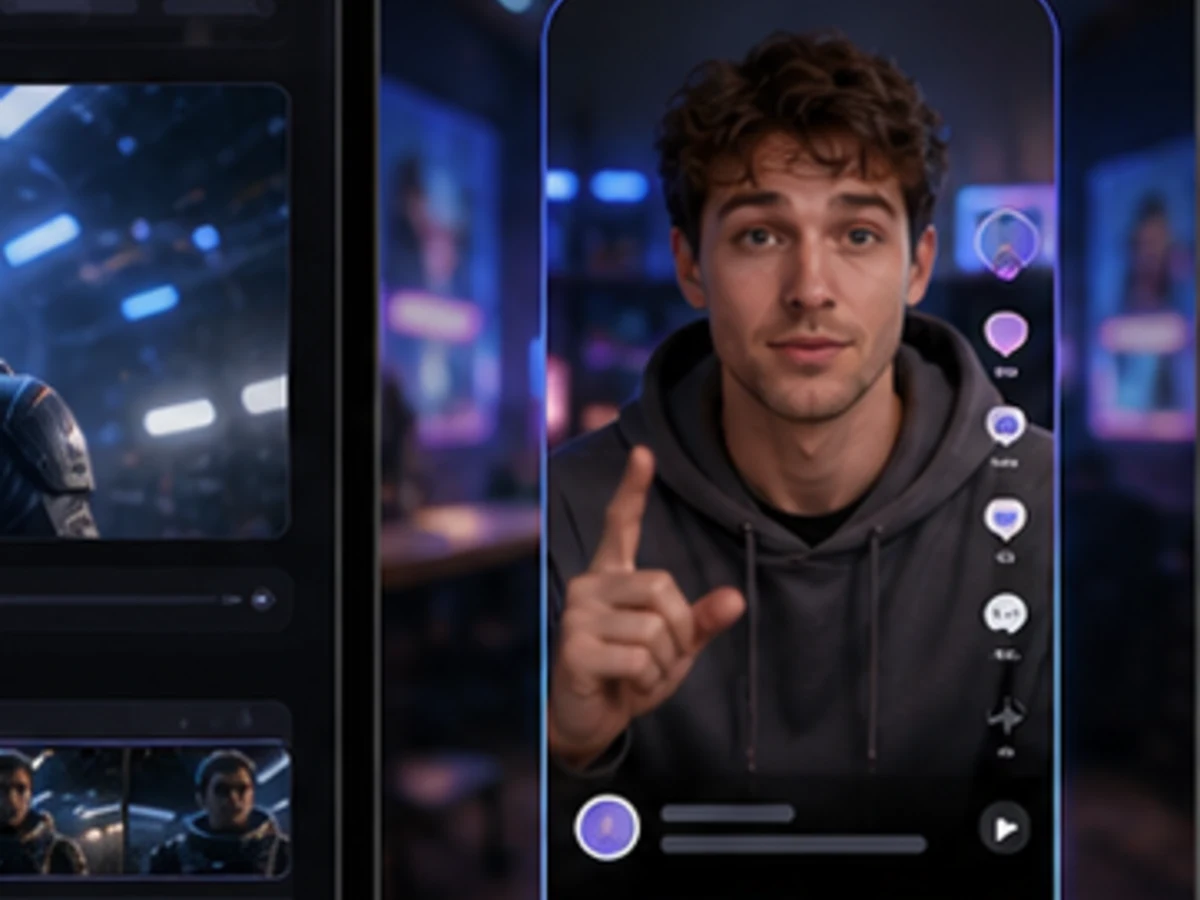
Social creator clips
Create short vertical face-swap-style drafts for intros, reactions, and channel experiments using consented creator references.
8.4k USESUse Template
Create AI face swap video drafts from authorized portraits and original character references.
Use BestVid to test face-swap-style social clips, character videos, meme edits, and campaign drafts with clear references, stable motion, and review-ready outputs.
Use only original, licensed, or consented face references. Do not upload public figures, private people without permission, or deceptive impersonation material.
Adult/NSFW content is strictly prohibited. Content Policy
Adult/NSFW content is strictly prohibited. Content Policy
Face swap directions
A face swap page should start with the job, not a generic model list. Pick the kind of authorized draft you want, then use the generator to test the reference face, scene, and motion.
Keep the first draft simple: one face reference, one clean subject, natural head motion, and a short scene that makes identity stability easy to review.
Input Fit
Face
Motion
Stable
Format
9:16
Review
Fast
A strong face swap video workflow is simple: use a permitted face reference, define the scene clearly, and review a short motion draft before scaling the idea.
Use an original, licensed, or consented portrait with a clear face, clean lighting, and minimal occlusion.
Write the expression, shot type, lighting, camera motion, and social format so the model has a concrete video target.
Check face stability, motion smoothness, and scene fit. Then adjust the prompt or reference before exporting a stronger version.
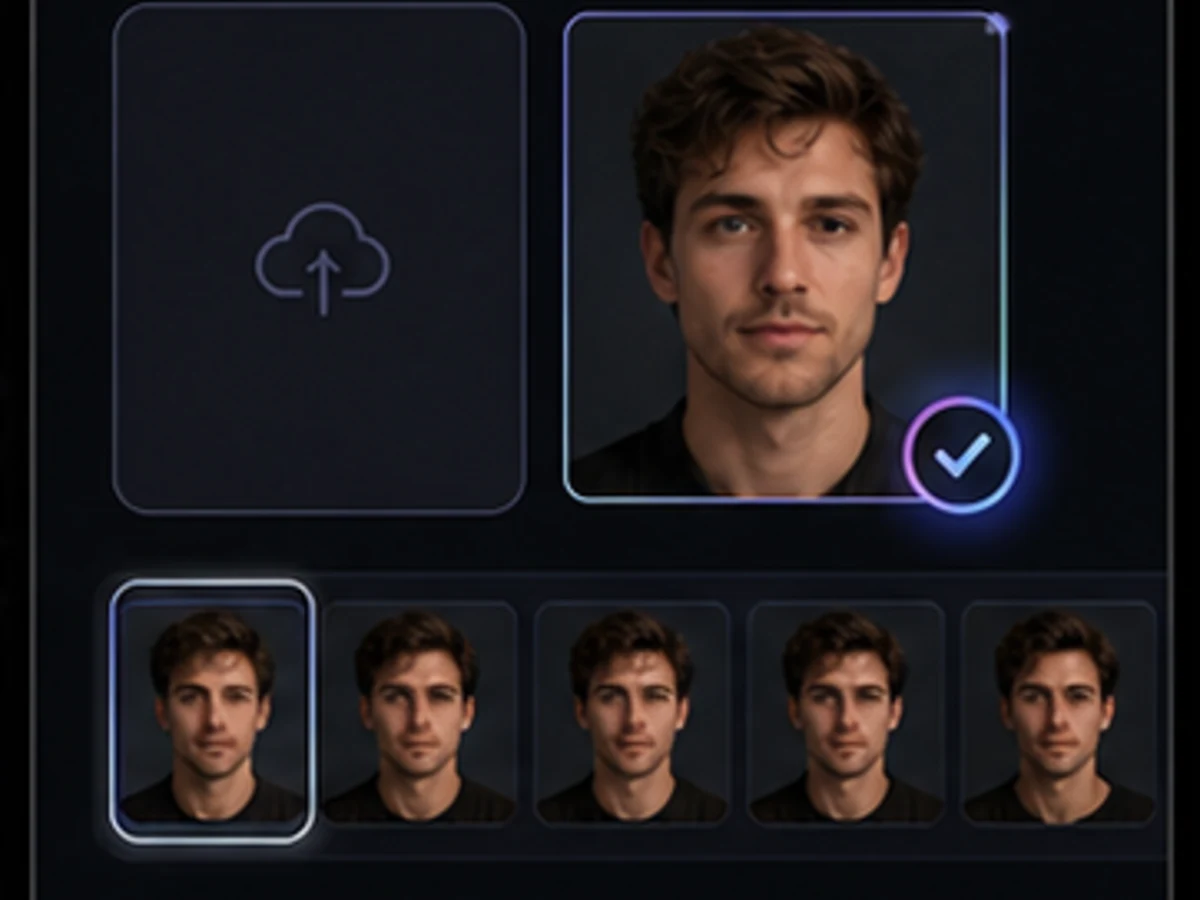
Use the generator for original characters, consented creator assets, social clips, and campaign tests where a fast visual draft helps the team decide the direction.
The safest and most useful video face swap workflows avoid impersonation. Treat the page as a draft tool for authorized portraits, fictional characters, and licensed brand assets.
Create short vertical face-swap-style drafts for intros, reactions, and channel experiments using consented creator references.
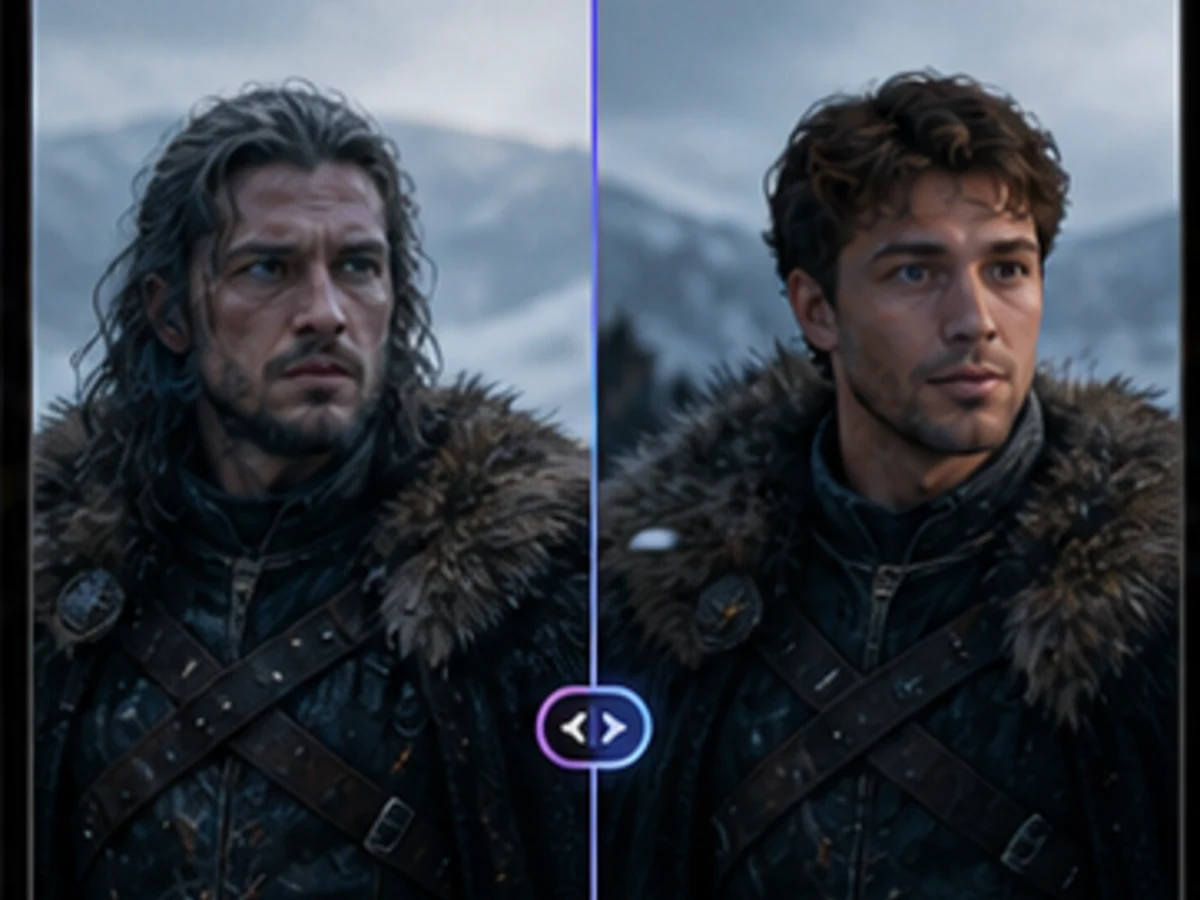
Test original characters and avatar-led moments before investing in a longer story or polished video sequence.
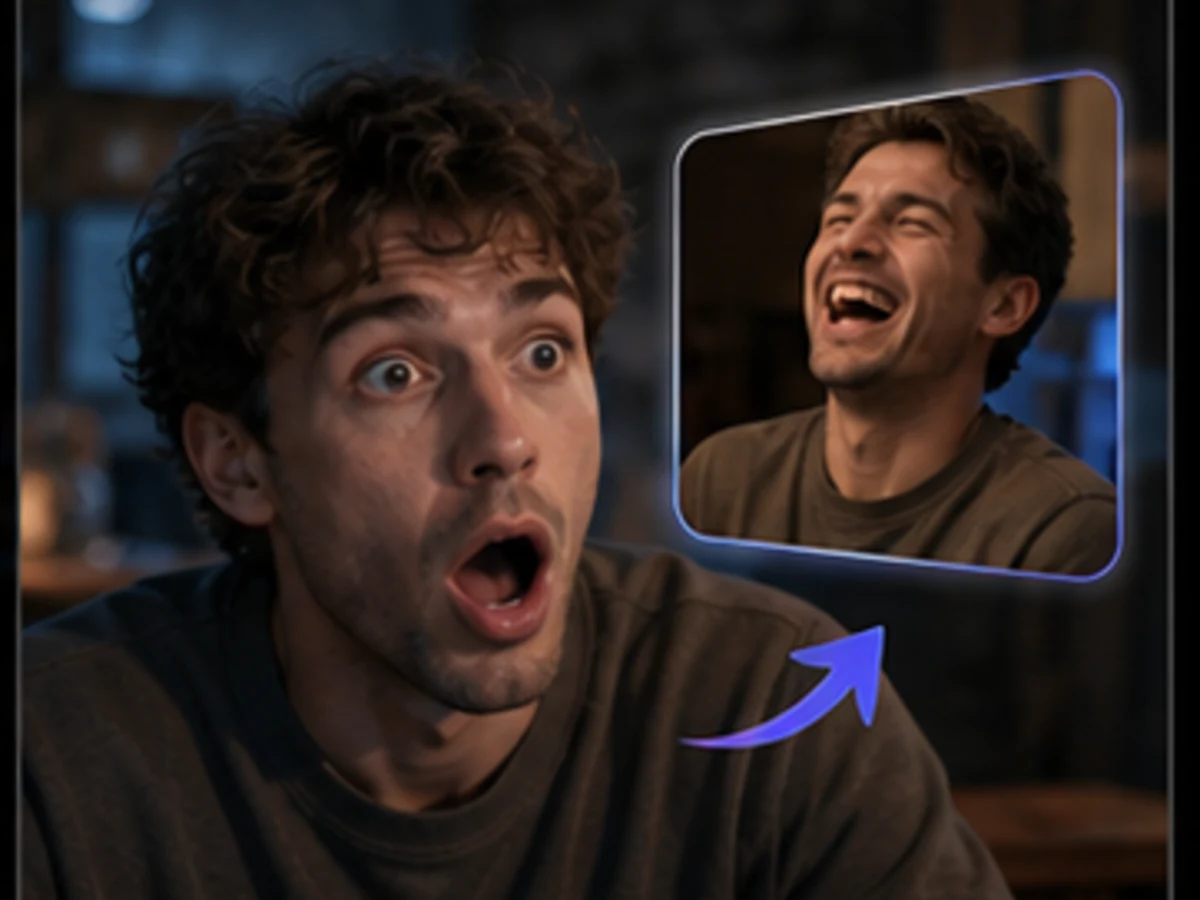
Generate quick reaction-style clips with fictional or consented faces for social-first meme formats.
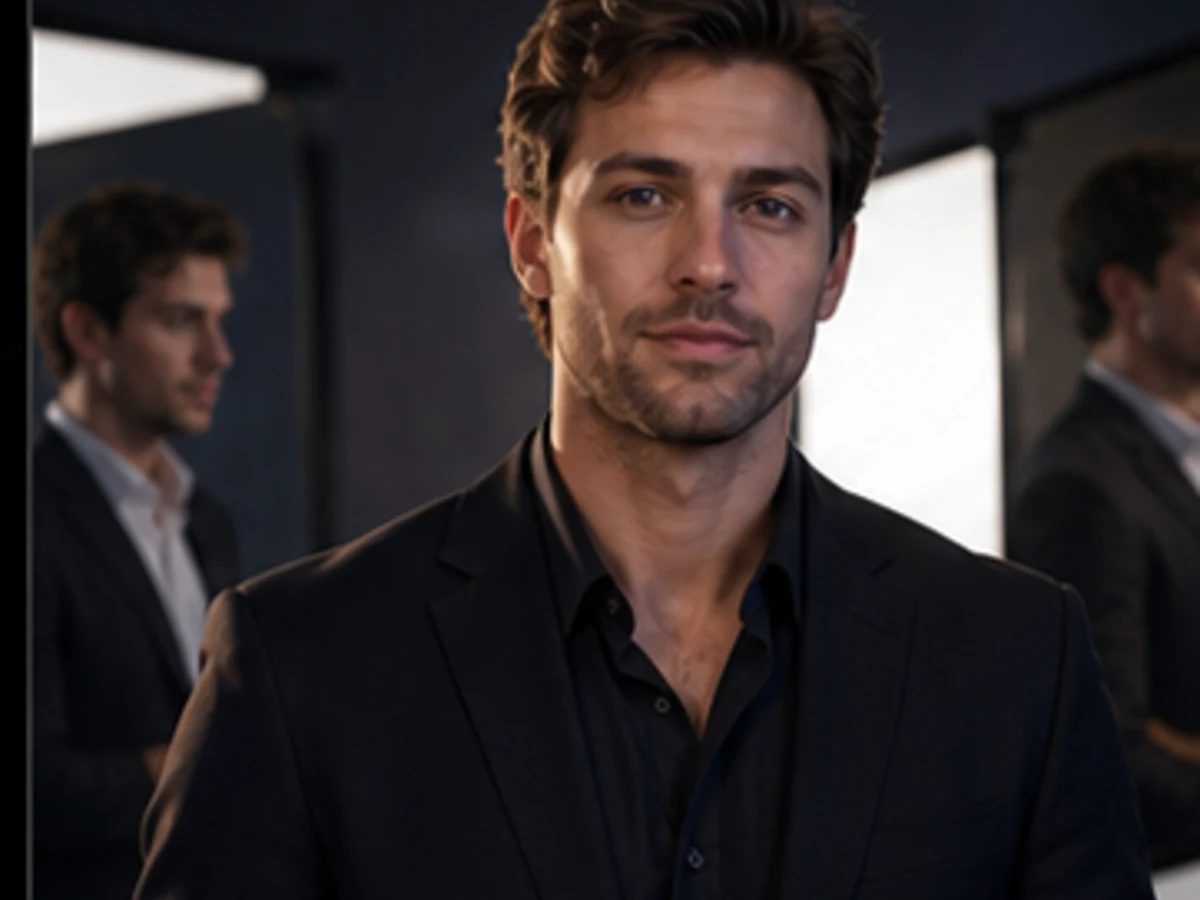
Prototype campaign framing, expression, and presenter energy with authorized performer references.
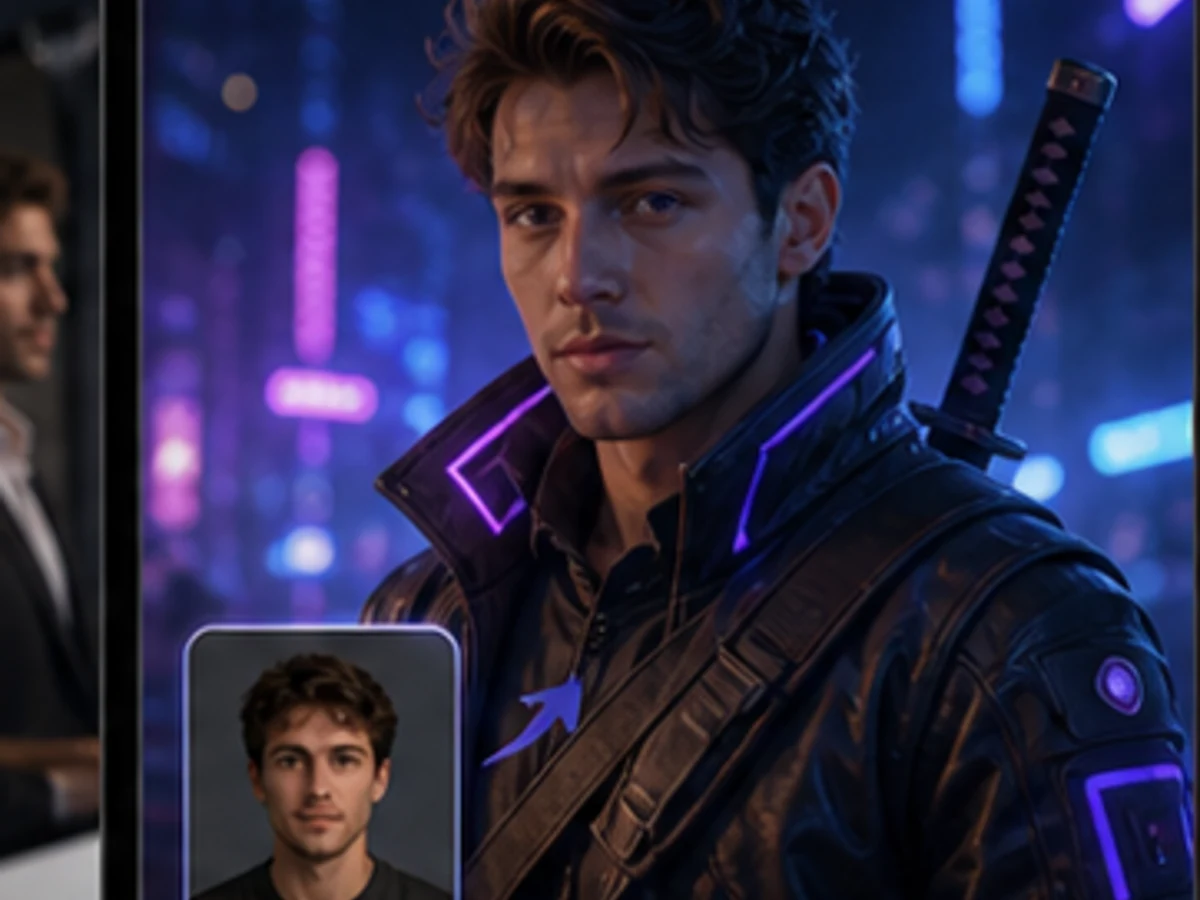
Turn original avatars, costumes, and creator personas into clean short intro videos.
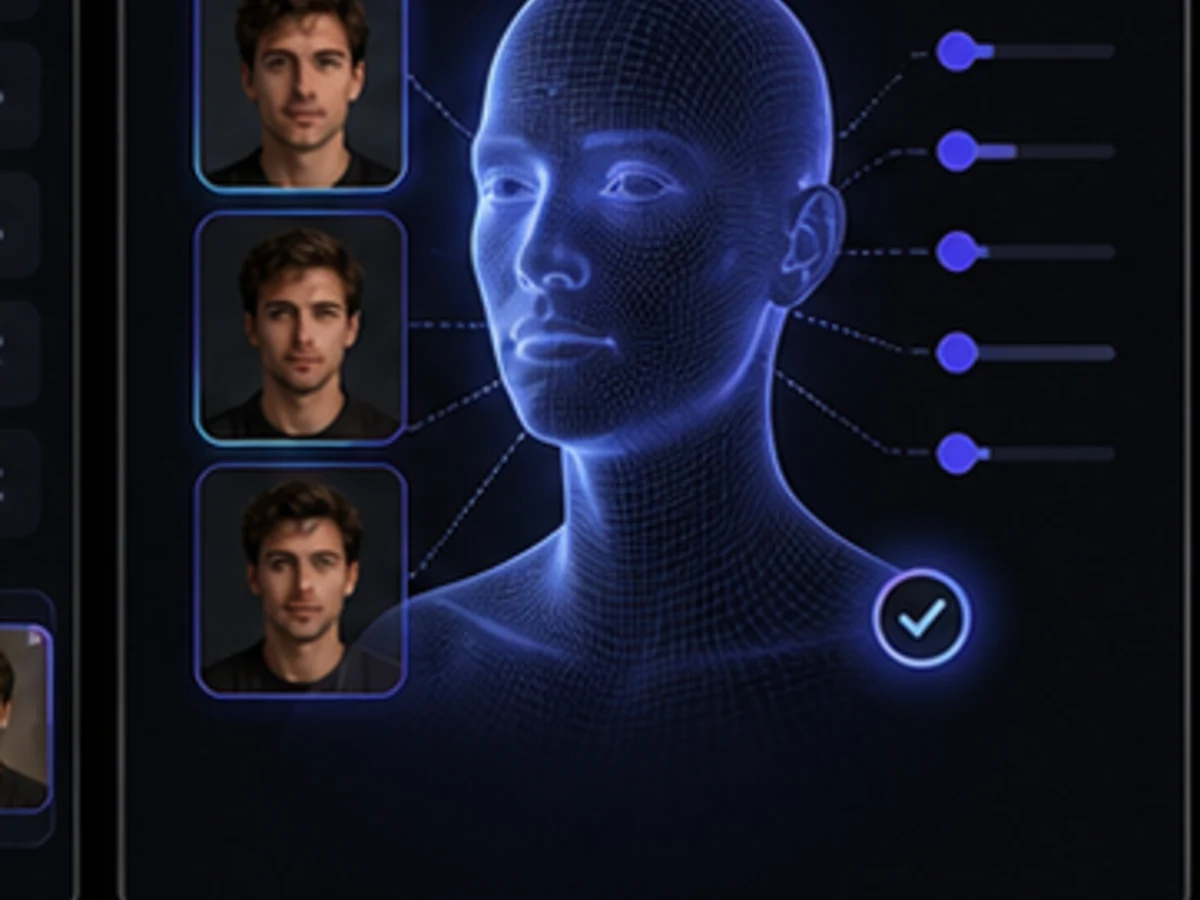
Explore a fictional spokesperson or branded persona while keeping review cycles fast and reversible.
Toolset
BestVid keeps the face swap draft workflow close to the existing AI video generator: reference image, prompt, motion, model selection, and detail restoration.
Upload a permitted portrait or original character face as the reference point for the video draft.
Control expression, camera movement, lighting, shot distance, and social format with the prompt.
Review short drafts for identity stability, motion artifacts, and visual clarity before scaling.
Move from a quick reference-led test into the broader BestVid dashboard and credit-based workflow.
Move into broader video, text-to-video, or image-to-video workflows when the draft direction is clear.
Creator proof
Creators and teams use reference-led video drafts to test whether a face, scene, and motion direction are worth producing.
“The image-reference workflow makes it much easier to test face-led social concepts before we commit to a full edit.”

Maya Brooks
Short-form Producer
“We use authorized performer references to compare ad concepts quickly without overbuilding every idea.”

Ethan Cole
Creative Strategist
“The image-reference workflow makes it much easier to test face-led social concepts before we commit to a full edit.”
Maya Brooks
Short-form Producer
“We use authorized performer references to compare ad concepts quickly without overbuilding every idea.”
Ethan Cole
Creative Strategist
“The image-reference workflow makes it much easier to test face-led social concepts before we commit to a full edit.”
Maya Brooks
Short-form Producer
“We use authorized performer references to compare ad concepts quickly without overbuilding every idea.”
Ethan Cole
Creative Strategist
“The image-reference workflow makes it much easier to test face-led social concepts before we commit to a full edit.”
Maya Brooks
Short-form Producer
“We use authorized performer references to compare ad concepts quickly without overbuilding every idea.”
Ethan Cole
Creative Strategist
“For fictional brand personas, the short draft workflow gives us a clean way to review expression, tone, and motion.”

Nora Patel
Brand Designer
“The best part is the constraint: short, reviewable face swap video drafts that show whether the idea works.”

Leo Martin
Social Editor
“For fictional brand personas, the short draft workflow gives us a clean way to review expression, tone, and motion.”
Nora Patel
Brand Designer
“The best part is the constraint: short, reviewable face swap video drafts that show whether the idea works.”
Leo Martin
Social Editor
“For fictional brand personas, the short draft workflow gives us a clean way to review expression, tone, and motion.”
Nora Patel
Brand Designer
“The best part is the constraint: short, reviewable face swap video drafts that show whether the idea works.”
Leo Martin
Social Editor
“For fictional brand personas, the short draft workflow gives us a clean way to review expression, tone, and motion.”
Nora Patel
Brand Designer
“The best part is the constraint: short, reviewable face swap video drafts that show whether the idea works.”
Leo Martin
Social Editor
無料で開始し、クレジットでアップグレード。すべてのプランは月額または年額請求でウォーターマークなし。
レギュラークリエイター向け
$10
$15/月年間合計 $$120 · 約33%お得
クリエイター向け基本機能
プロダクションチーム向け
$14.5
$29/月年間合計 $$174 · 約50%お得
Lite の全機能に加えて
プロダクションチーム向け
$124.5
$249/月年間合計 $$1494 · 約50%お得
Pro の全機能に加えて
解約、請求に関する質問、プラン変更については、サポートまでご連絡ください:support@bestvid.net